














1/11
WordPress design
Custom WordPress builds on a 5-year hosting agreement
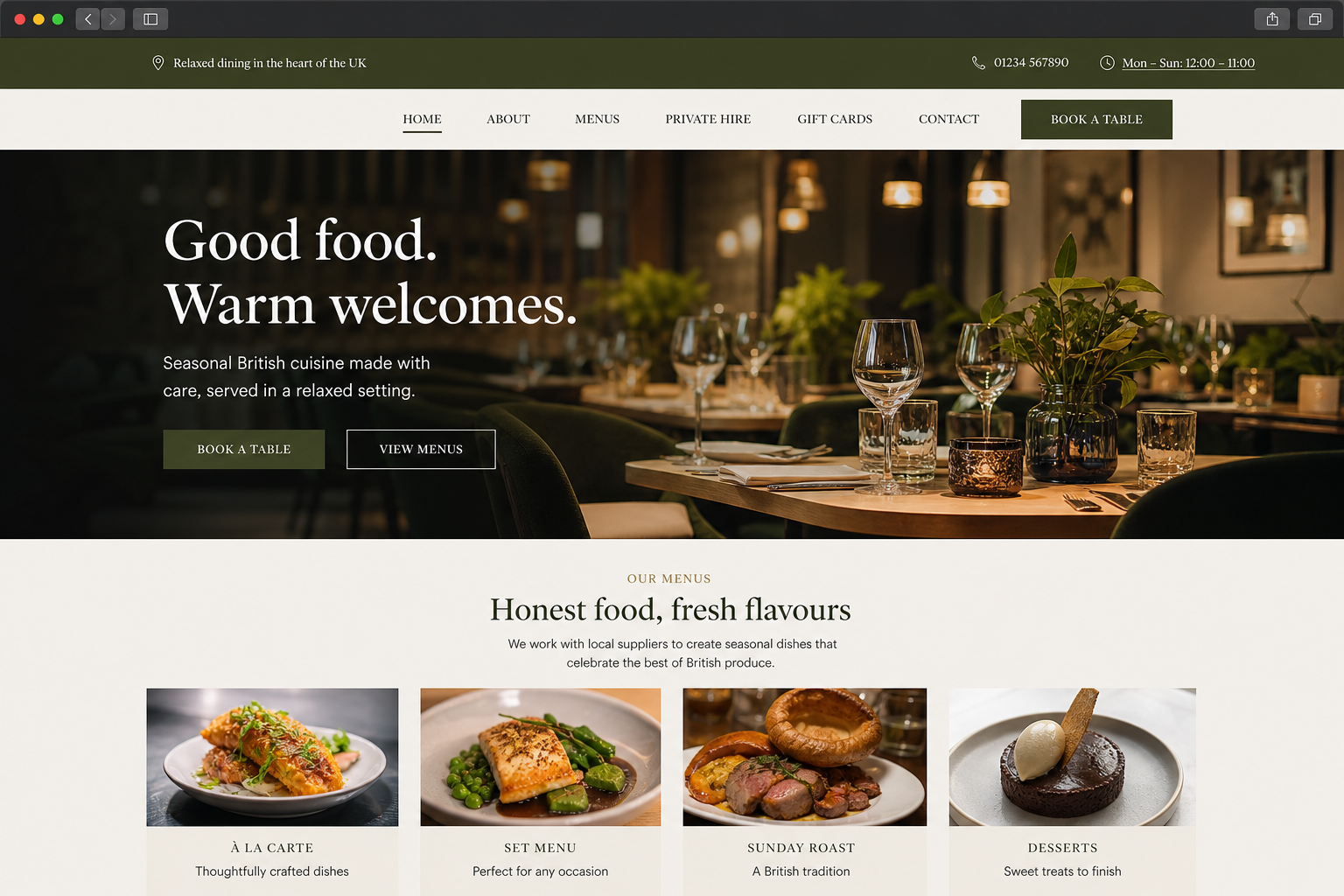
Trades & home services — emergency call-out, service grid, local trust signals
View WordPress design
Nano & Micro entry
Apps+OS from £5.33/mo — WordPress eligible
Small — 3 months free
Most popular starter — trial on new accounts
Scale plans
X-Large through 16X-Large for growth clients
Professional mailboxes
Webmail on your domain — monthly and annual plans
Uptime monitoring
External checks and alerts before customers notice
1/11
WordPress design
Custom WordPress builds on a 5-year hosting agreement
Trades & home services — emergency call-out, service grid, local trust signals
View WordPress design




1/8
Custom development
Bespoke sites, apps, and integrations
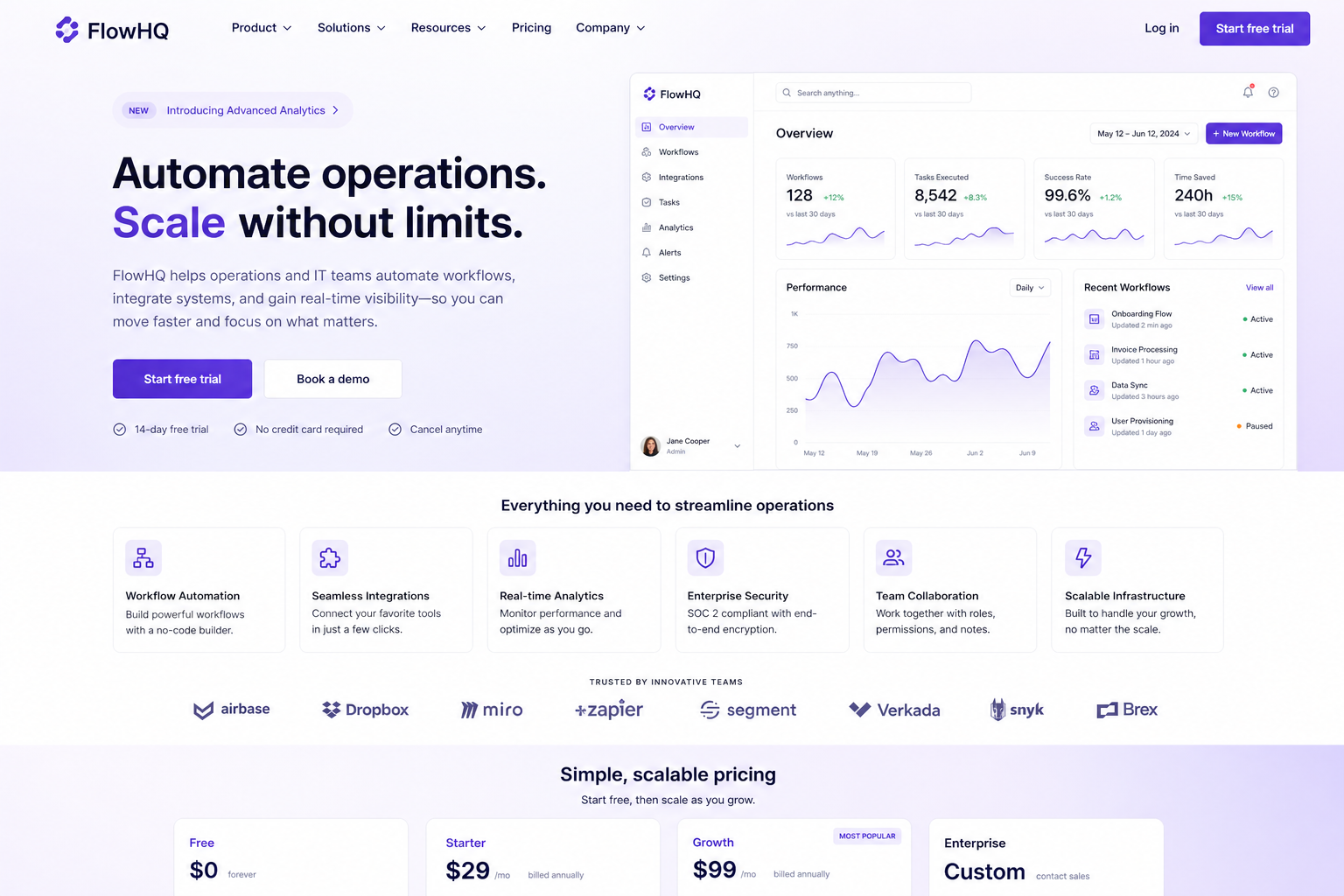
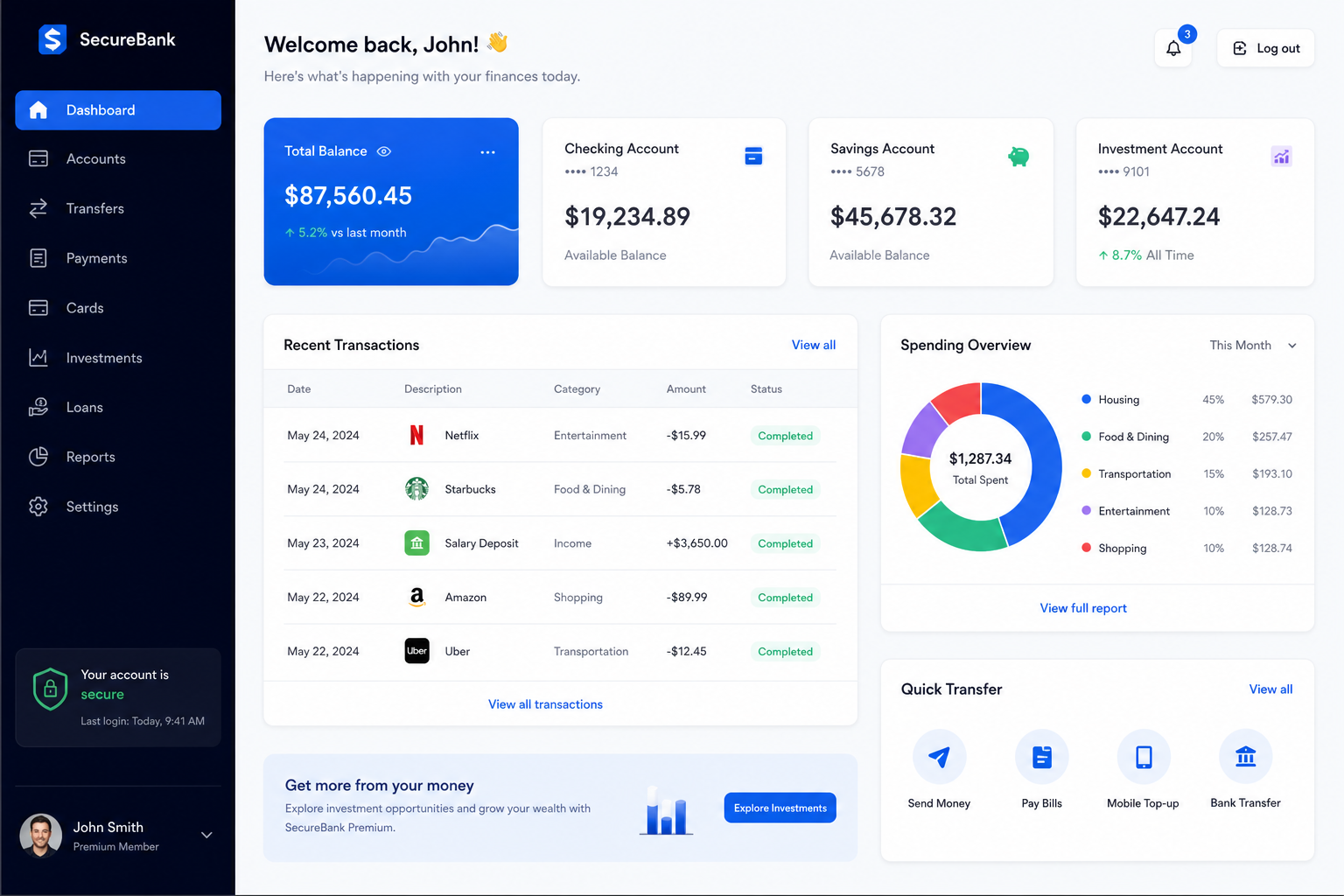
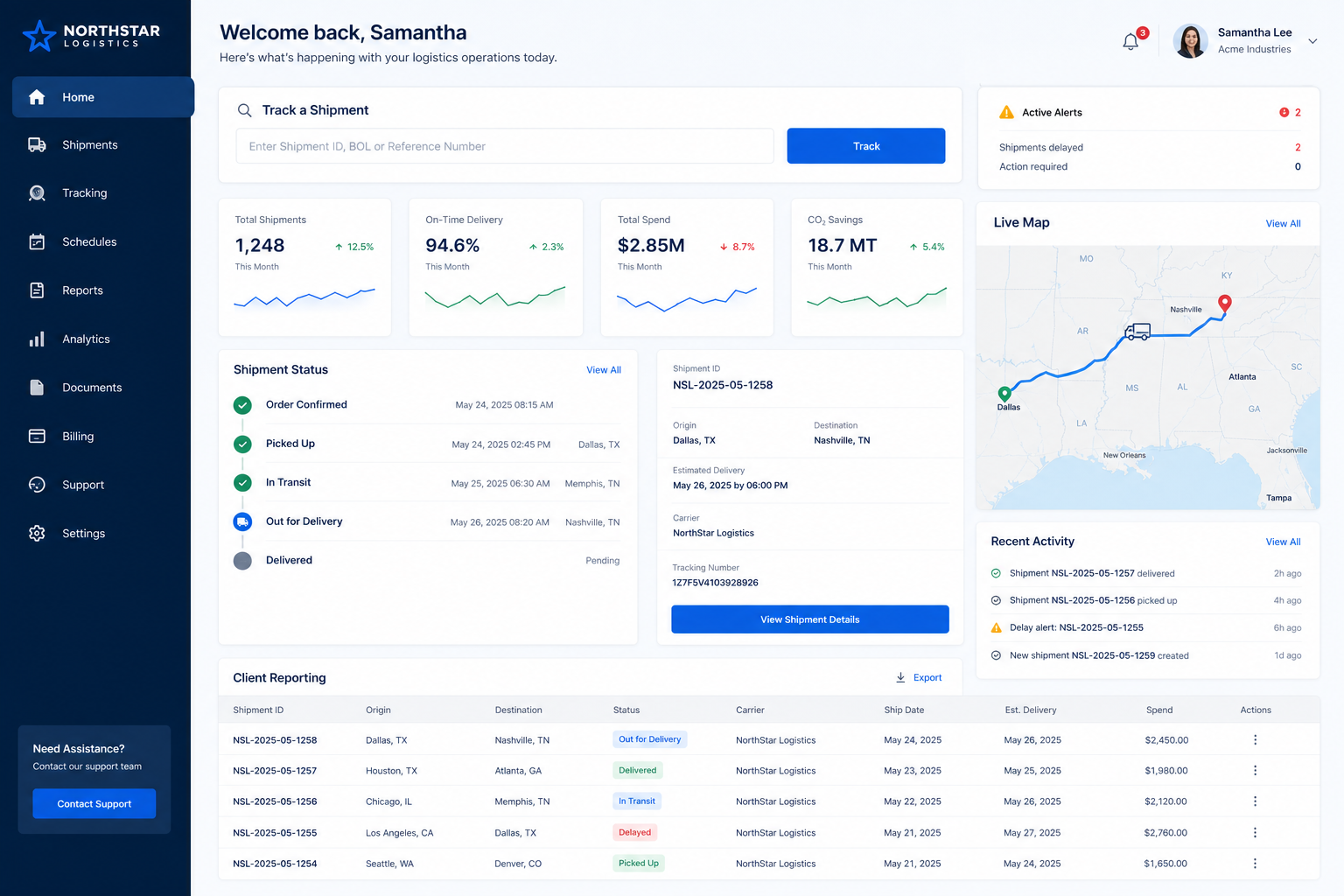
Ecommerce retail — product discovery, merchandising, and checkout-ready layout
View Custom development
Your campaign goes out, a piece of coverage lands, and for one glorious hour everyone wants to visit your site at once. Then the pages slow to a crawl and half of that audience leaves before anything loads. Few things sting like watching a rare traffic spike turn into an outage.
This is the moment the choice between cloud and traditional hosting stops being abstract. Both can run a website perfectly well on a quiet day. They behave very differently when demand surges, and that difference is what you are really choosing between.
Most hosting comparisons get lost in features. The question that actually matters for a growing business is simpler. When more people arrive than usual, what happens to my site, and how quickly can it get more resources to cope.
Scalability is the proper word for this, and the MDN glossary defines it as a system's ability to handle growing demand. The two hosting models answer that demand in fundamentally different ways.
Traditional hosting puts your site on a specific physical machine, whether a shared server, a virtual private server or a dedicated box. You are allocated a set amount of processor, memory and storage, and that allocation is what you have to work with.
When you outgrow it, you upgrade. That usually means moving to a bigger plan or a more powerful server, which is a deliberate step you plan and schedule. It is predictable and easy to reason about, but it is not instant. If a spike hits a machine that is already near its limit, the site struggles until you can move it somewhere larger. For a dedicated server with steady, known traffic this is rarely a problem, because you size the machine for the load and leave headroom.
Cloud hosting spreads your site across a pool of resources rather than tying it to one fixed machine. That pooling is the whole point, and Cloudflare's explainer on what the cloud is describes it well. Instead of one box with hard limits, you draw from a much larger shared capacity.
There are two ways to grow, and the cloud is good at both. Vertical scaling means giving a single server more power, more processor and memory, to handle a heavier load. Horizontal scaling means adding more servers and sharing the work between them, which is how the largest sites cope with enormous demand. Cloudflare's note on what scalability means sets out the trade off between the two clearly.
The practical upshot is that cloud platforms can often grow to meet a spike automatically, then shrink back when it passes, so you are not paying for peak capacity all month. Our cloud hosting is built around exactly this flexibility for businesses with uneven demand.
Here is where the comparison gets honest. Traditional hosting wins on predictability. You pay a fixed amount each month, you know exactly what it will be, and a busy month does not produce a surprise bill. For a business on a tight budget, that certainty is genuinely valuable.
Cloud hosting trades some of that certainty for flexibility. Because you can consume more resources on demand, your costs can rise with your traffic, which is fair but harder to forecast. The skill is keeping an eye on usage so a spike, or a misbehaving script, does not quietly run up a bill. Speed is part of the cost equation too, since slow pages waste the very traffic you paid to attract, a link the Core Web Vitals guidance makes plainly. Sensible caching, the kind the MDN documentation on HTTP caching describes, reduces how much raw capacity you need either way.
Forget which option sounds more modern and look at the shape of your traffic instead. If it is steady and predictable, a well sized traditional server or VPS is often the most cost effective and the easiest to budget for. You know what you need, you buy it, and you leave a little room to grow.
If your traffic is spiky, seasonal, or growing fast and unpredictably, the cloud's ability to flex up and down earns its keep. A retailer with a frantic few weeks before Christmas, or a business that lives or dies by occasional viral moments, is exactly who the model is built for. Many businesses end up somewhere in between, and the right answer is whichever matches how your real visitors actually arrive, not whichever buzzword is louder this year.

Servers
Managed hosting costs more on paper. Whether it is worth it comes down to one question most people ask the wrong way round.

Servers
The Windows or Linux question sounds like a matter of preference. In practice your application usually makes the decision for you.

Servers
The control panel is the screen you will actually live in. Picking the right one matters more day to day than most hosting decisions.



Comments