












1/11
WordPress design
Custom WordPress builds on a 5-year hosting agreement
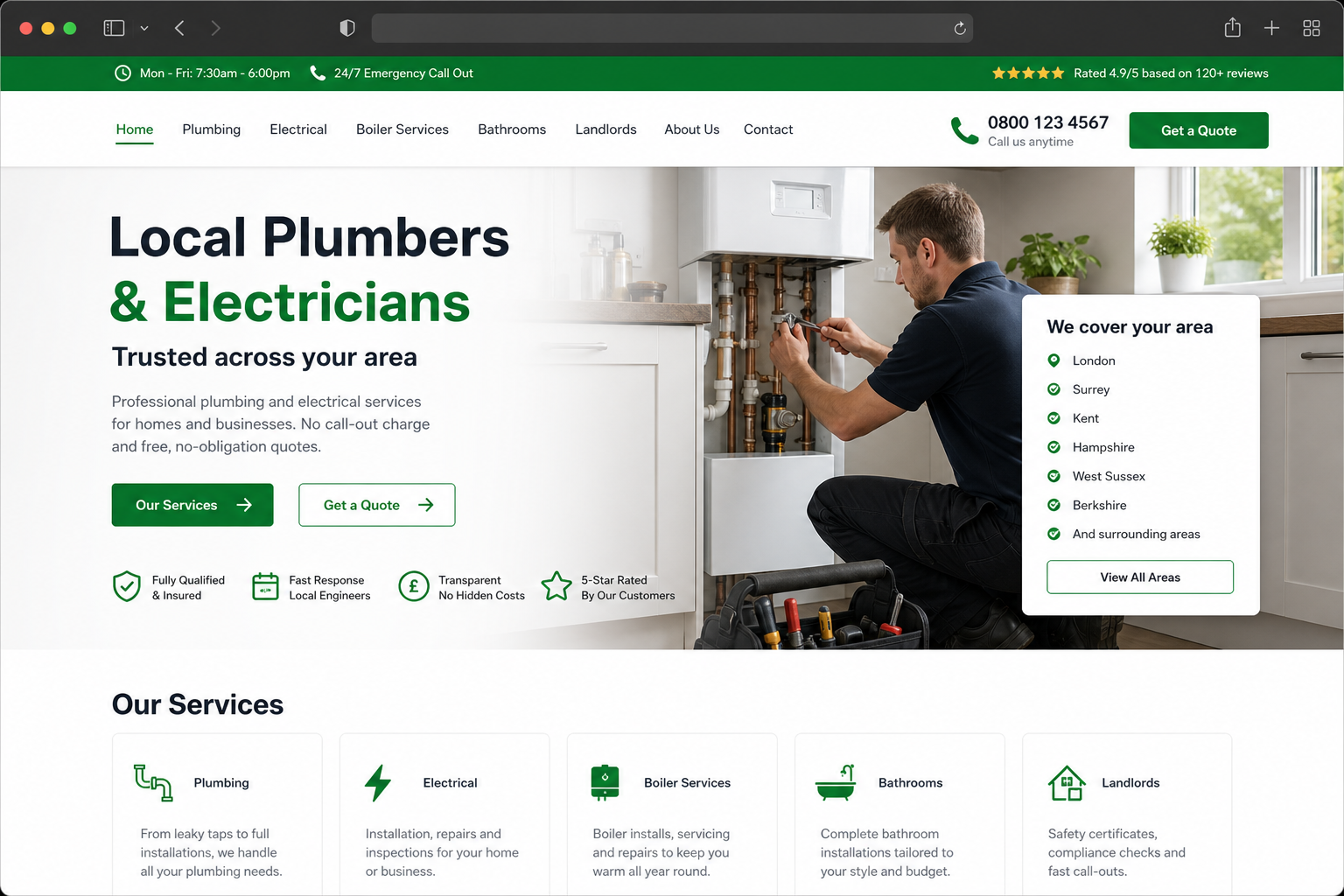
Trades & home services — emergency call-out, service grid, local trust signals
View WordPress design
Nano & Micro entry
Apps+OS from £5.33/mo — WordPress eligible
Small — 3 months free
Most popular starter — trial on new accounts
Scale plans
X-Large through 16X-Large for growth clients
Professional mailboxes
Webmail on your domain — monthly and annual plans
Uptime monitoring
External checks and alerts before customers notice
1/11
WordPress design
Custom WordPress builds on a 5-year hosting agreement
Trades & home services — emergency call-out, service grid, local trust signals
View WordPress design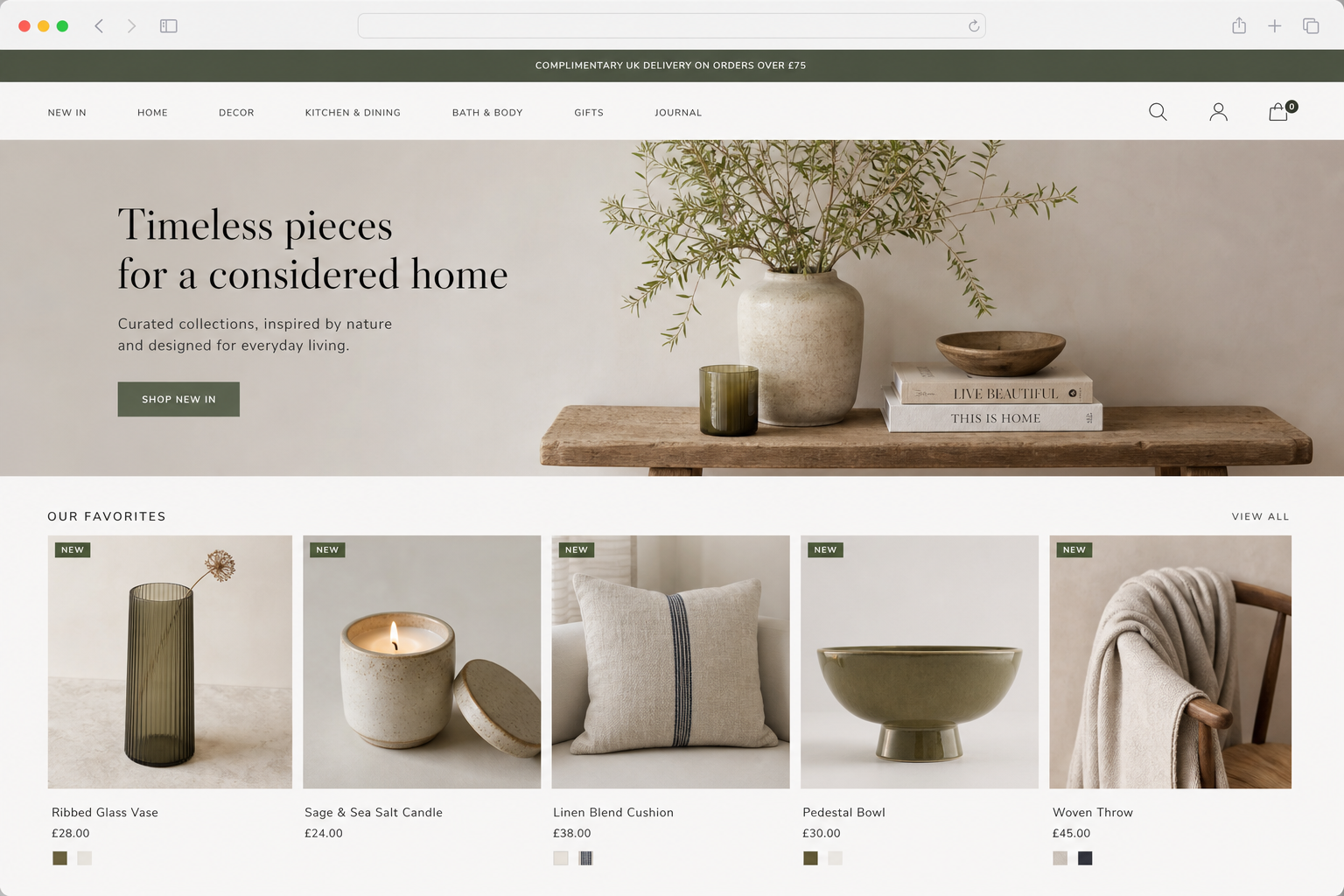

1/8
Custom development
Bespoke sites, apps, and integrations
Ecommerce retail — product discovery, merchandising, and checkout-ready layout
View Custom development
Imagine losing control of your domain name for a day. Your website goes dark, your email stops, and customers who search for you find a stranger's page. It sounds dramatic, but domain hijacking is real, and the businesses it happens to almost always assumed it could never happen to them.
Your domain is the most important digital asset you own, and it is often the least protected. The good news is that securing it takes minutes, not money, once you know which settings to look for.
Everything hangs off your domain name. Your website lives at it, your email runs through it, and your brand is recognised by it. Lose control of the domain and you lose all of that at once, regardless of how secure your actual website is.
That is what makes the domain account itself such a tempting target. An attacker who gets into it does not need to break your website at all. They simply redirect the name to wherever they like, and the whole thing follows. The naming system this all relies on is coordinated globally by IANA, which is worth knowing because it explains why these protections are standardised rather than improvised per provider.
Domain takeovers rarely involve clever code. They almost always come down to access, and the routes in are depressingly familiar.
The most common is a stolen password, often one reused from another site that was breached. Next is a phishing email that imitates your registrar and tricks you into typing your login on a fake page. Then there is social engineering, where an attacker simply contacts support and talks their way into a transfer using details scraped from public records. Occasionally a domain is lost not to an attacker at all but to neglect, expiring quietly because the renewal notice went to an address nobody checks any more.
Notice that almost none of these are technical attacks on the domain. They are attacks on the account and the human behind it, which is exactly where the defences below are aimed.
Three settings, used together, close off the great majority of these routes. None of them is difficult to switch on.
A registrar lock, sometimes called a transfer lock, stops your domain being moved to another registrar without your explicit say so. With it on, even someone who got into your account cannot quietly transfer the name away, because the lock has to be lifted first. For higher value domains, Nominet offers a stronger option in its registry lock service, which adds a manual verification step at the registry itself. Leave the basic lock on as your default and only lift it for the few minutes a genuine transfer needs.
DNSSEC adds a layer of cryptographic signing to your DNS so that the answers visitors receive can be verified as genuine. Without it, there is a class of attack where a visitor is quietly fed a forged address and sent to an impostor site while the real domain looks untouched. DNSSEC makes that forgery detectable. The mechanism is described in the foundational DNSSEC specification, RFC 4033, and IANA maintains a plain overview of how DNSSEC secures the system if you want the bigger picture. Many providers can enable it for you with a single setting.
If you do only one thing, do this. Two factor authentication means that even a correct password is not enough on its own, because logging in also requires a code from your phone or an authenticator app. It single handedly defeats the stolen and reused passwords that cause most hijackings. The National Cyber Security Centre's guide to setting up two step verification walks through it, and it takes about two minutes to turn on.
A quieter risk has nothing to do with attackers. It is the email address attached to your domain, the one that receives renewal reminders, transfer confirmations and recovery messages.
If that address belongs to a former employee, a defunct agency, or an inbox no one monitors, you have a problem waiting to happen. You might miss the warning that your domain is about to expire, or the alert that someone is attempting a transfer. Worse, if you ever need to recover the account, the recovery email goes somewhere you cannot reach. Check that your registration and contact details point to an address you actually control, and keep them current as your business changes. Setting renewals to automatic, which our domain renewal options make easy, removes the most common cause of accidental loss entirely.
You do not need to set aside an afternoon for this. A few minutes today covers almost everything that matters.
Work through that list once and your front door is genuinely secured. If you would rather not manage the settings yourself, our domains team can walk through them with you, and the NCSC's small business guide is a good companion for hardening the rest of your accounts the same way.
Domain security is one of the highest value, lowest effort things you can do for your business online. The settings are free, the work is brief, and the alternative is the kind of bad day that is very hard to undo.

Domains
Two endings, one country, and a decision most businesses overthink. Here is what each signals and why owning both is usually the smart move.

Domains
DNS sounds technical and scary, but the idea behind it is simple. Understand a handful of records and you can manage your domain with confidence.

Security
You do not need a security team to protect customer data well. A handful of disciplined habits stops the overwhelming majority of incidents.



Comments