















1/11
WordPress design
Custom WordPress builds on a 5-year hosting agreement
Trades & home services — emergency call-out, service grid, local trust signals
View WordPress design
Nano & Micro entry
Apps+OS from £5.33/mo — WordPress eligible
Small — 3 months free
Most popular starter — trial on new accounts
Scale plans
X-Large through 16X-Large for growth clients
Professional mailboxes
Webmail on your domain — monthly and annual plans
Uptime monitoring
External checks and alerts before customers notice
1/11
WordPress design
Custom WordPress builds on a 5-year hosting agreement
Trades & home services — emergency call-out, service grid, local trust signals
View WordPress design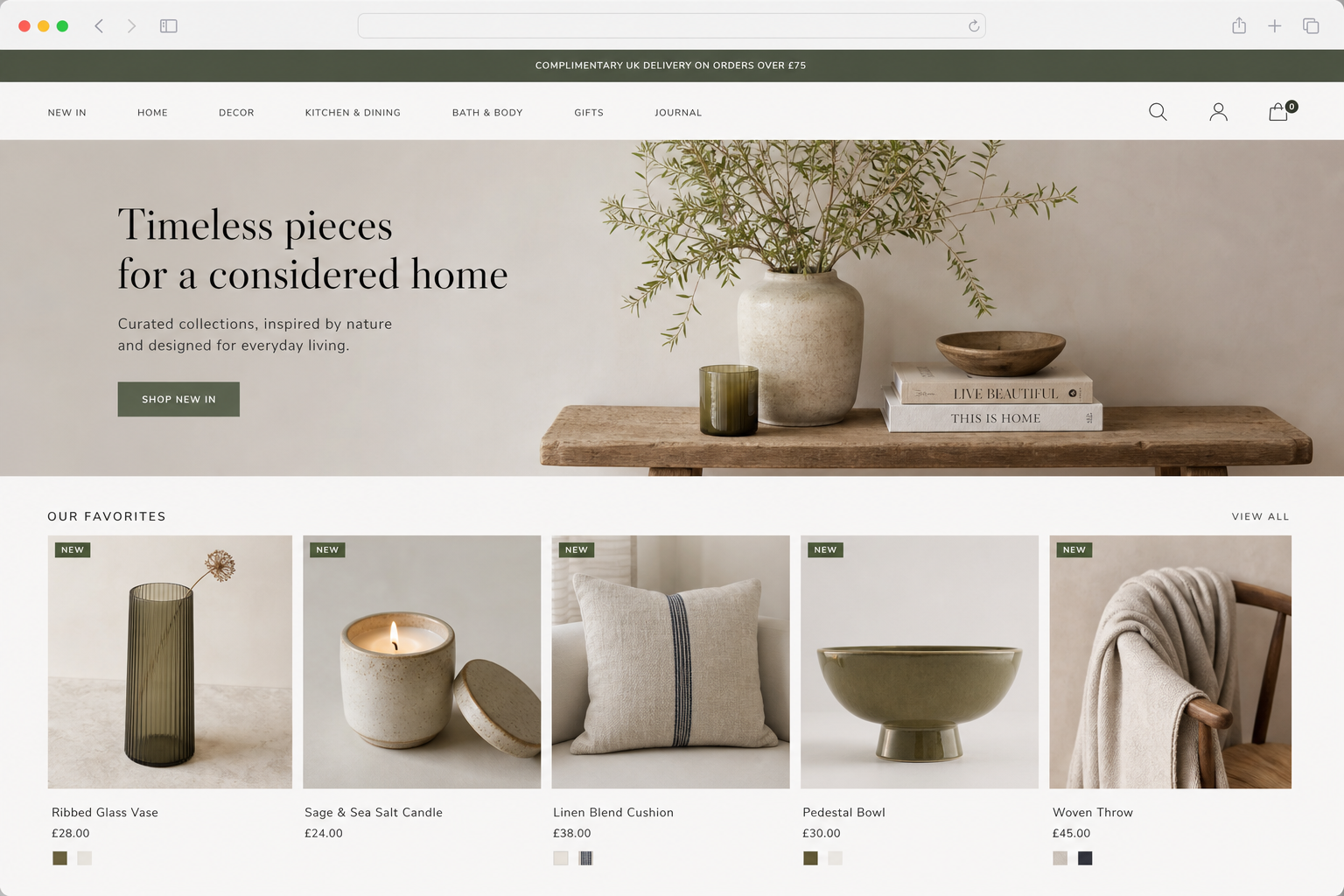



1/8
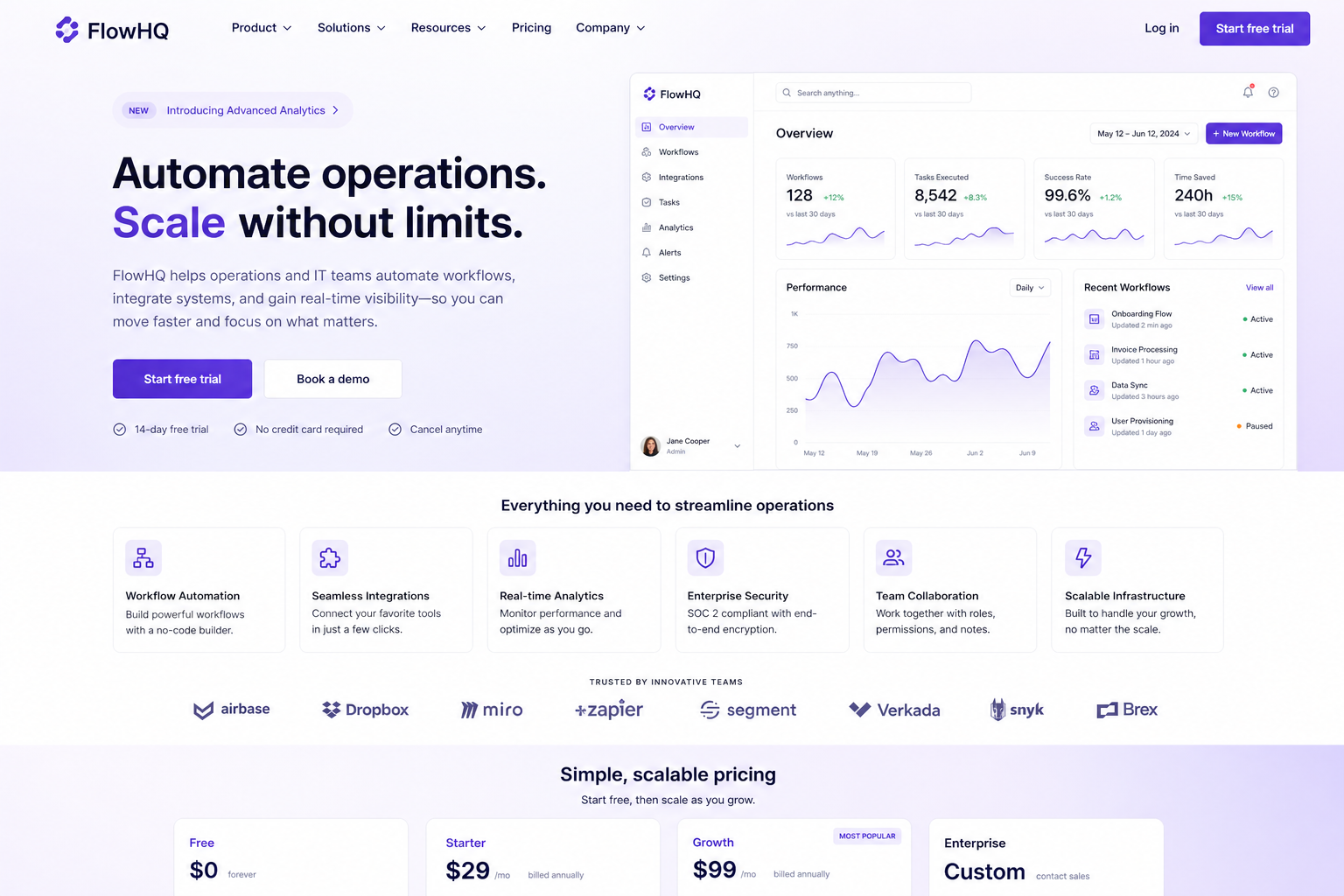
Custom development
Bespoke sites, apps, and integrations
Ecommerce retail — product discovery, merchandising, and checkout-ready layout
View Custom development
You send an invoice, the customer swears it never arrived, and you find it sitting in their spam folder days later. Or worse, your own outbound mail is bouncing and you have no idea why. For a business that runs on email, this is more than an annoyance. It costs you money and makes you look unreliable.
The cause is almost always the same. Your domain has not told the world's mail servers which systems are allowed to send on its behalf, so they treat your genuine messages with suspicion. Three records fix this, and they work as a set.
Email was designed in a more trusting era, when anyone could claim to be anyone. That openness is exactly why spam and forgery are so easy, and why receiving servers have become so cautious. If they cannot verify that a message really came from your domain, the safe choice for them is to bin it or quarantine it.
SPF, DKIM and DMARC are the modern answer. They are all published as records in your domain's DNS, which is simply the public address book for your domain, as the MDN glossary explains. Together they let a receiving server check that mail claiming to be from you is the real thing. The National Cyber Security Centre treats them as a baseline in its email security and anti-spoofing guidance.
SPF, the Sender Policy Framework, is the simplest of the three. It is a record that lists which mail servers are permitted to send email for your domain. When a receiving server gets a message, it checks whether the sending server appears on your list. If it does not, that is a strong signal the mail is forged.
The detail that trips people up is that SPF only checks one specific address in the message, and it has limits on how many lookups it can chain together. The full behaviour is defined in RFC 7208, but the practical advice is to keep your record tidy and list only the services you actually send through, your mailbox provider, your accounting software, your newsletter tool.
DKIM, DomainKeys Identified Mail, adds a cryptographic signature to every message you send. Your mail server signs outgoing mail with a private key, and the matching public key is published in your DNS. The receiving server uses that public key to confirm the message genuinely came from your domain and was not tampered with on the way.
Where SPF checks the route, DKIM checks the message itself. That makes it more robust, because the signature survives even when mail is forwarded, a situation that often breaks SPF. The signing standard is set out in RFC 6376. You generally do not generate the keys by hand. A decent host does the signing for you, and our email signing setup handles the keys and DNS so the protection is in place from the start.
DMARC ties the first two together and adds something neither has on its own, a policy and a feedback loop. It tells receiving servers what to do when a message fails SPF and DKIM checks, whether to let it through, quarantine it, or reject it outright. Just as usefully, it asks them to send you reports on the mail being sent in your name.
Those reports are the part most businesses ignore and then regret ignoring. They show you exactly who is sending as your domain, including any forgers, before you tighten the policy. The standard lives in RFC 7489, and the NCSC runs a free Mail Check service that helps UK organisations monitor their DMARC reports without wading through raw data.
The order matters. Set up SPF and DKIM first and confirm your genuine mail passes both. Only then introduce DMARC, and start it in its gentlest mode, which monitors and reports without blocking anything. Read the reports for a few weeks, fix any legitimate senders you had forgotten, and then gradually move the policy towards quarantine and finally reject.
Done this way, you tighten security without the nightmare of accidentally blocking your own mail. If you would rather not manage the records yourself, choosing a provider that configures them properly removes most of the work. Our email hosting sets up the three records as part of getting you live, so your invoices reach the inbox rather than the bin, and forgers find your domain a far harder target.

Aggressive filters can be as damaging as no filter at all. Here is how to stop junk without quietly losing the messages that pay the bills.

IMAP, Exchange and webmail are not rival brands. They are different ways of reaching your email, and the right one depends on how your team actually works.

Domains
Two endings, one country, and a decision most businesses overthink. Here is what each signals and why owning both is usually the smart move.



Comments