













1/11
WordPress design
Custom WordPress builds on a 5-year hosting agreement
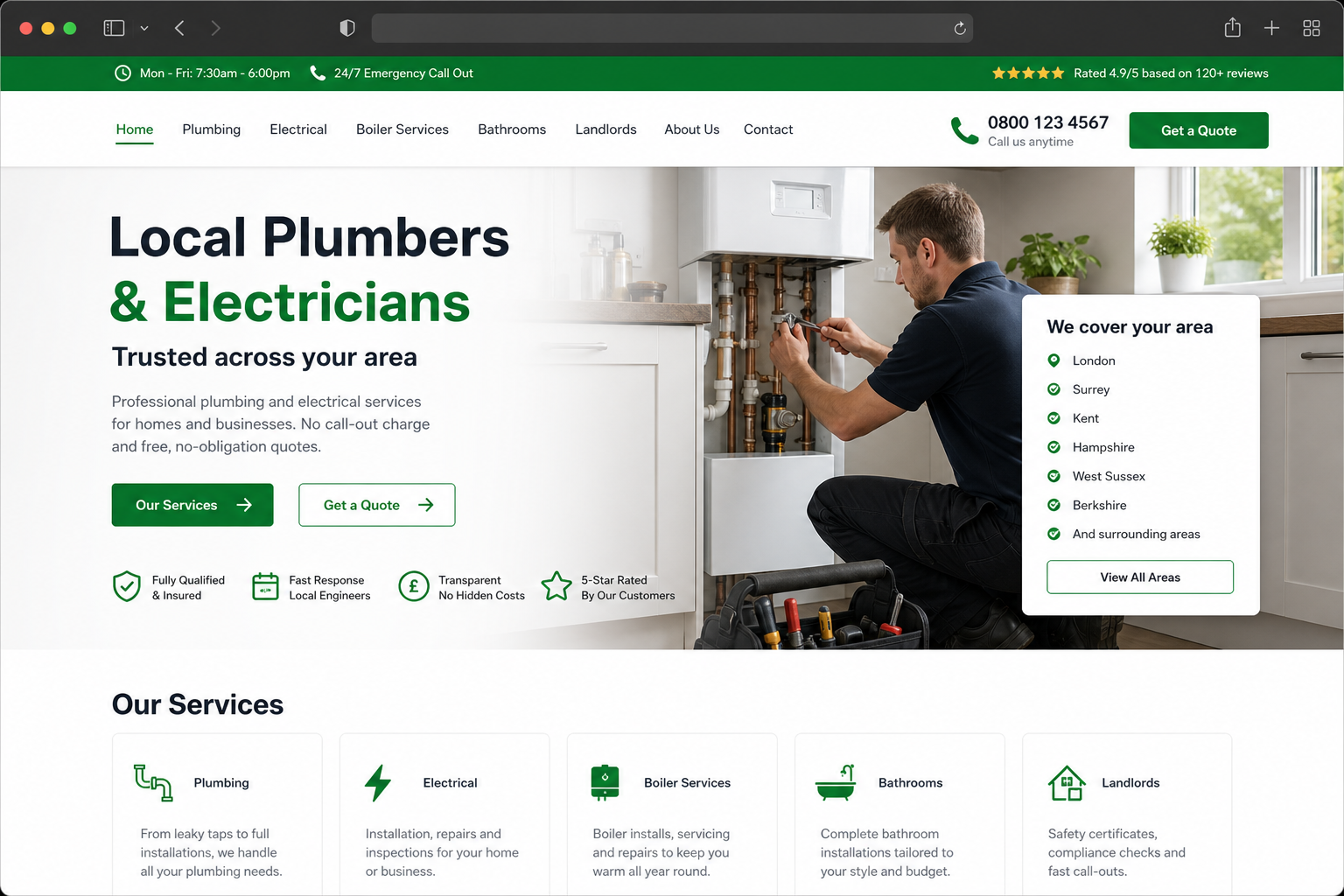
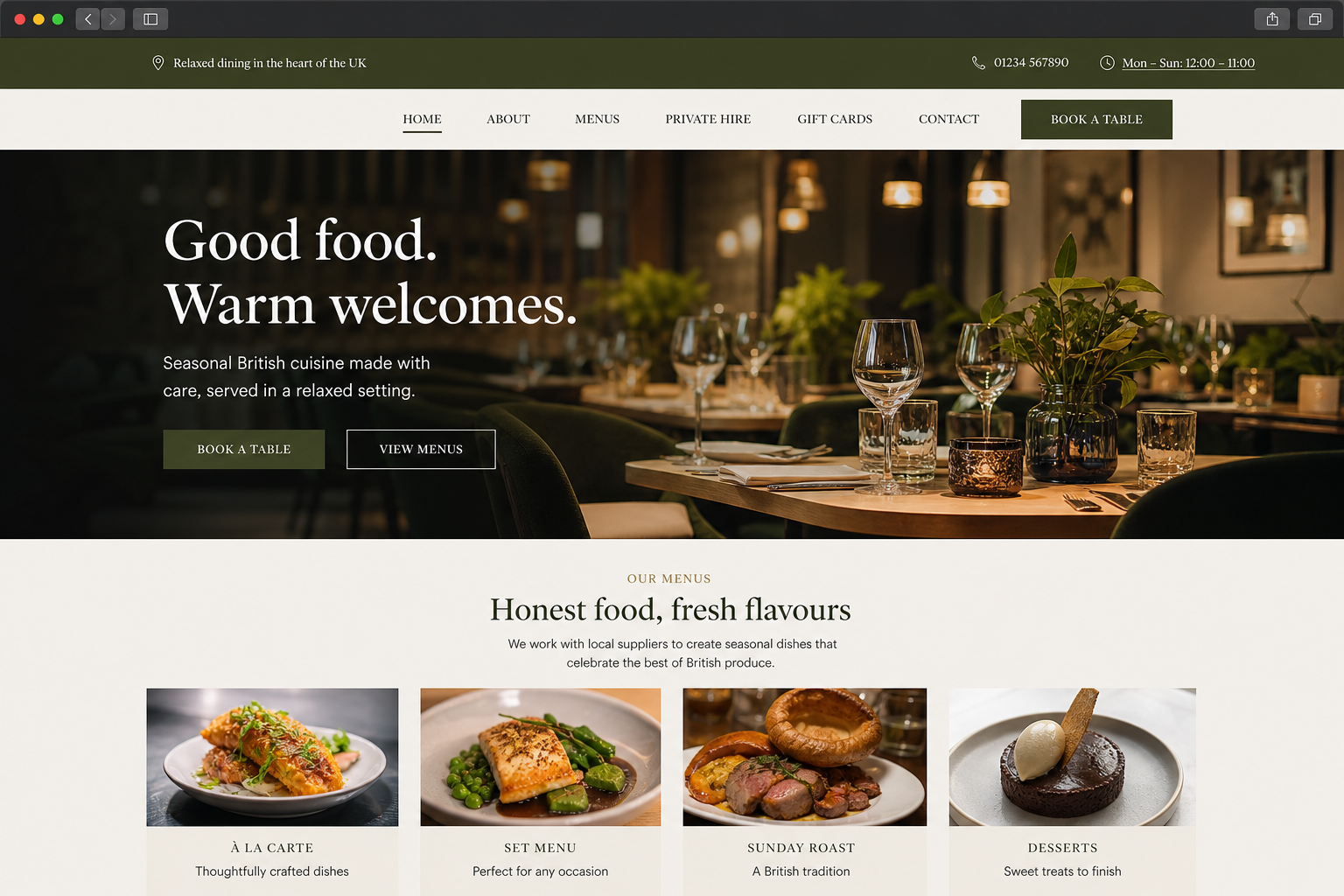
Trades & home services — emergency call-out, service grid, local trust signals
View WordPress design
Nano & Micro entry
Apps+OS from £5.33/mo — WordPress eligible
Small — 3 months free
Most popular starter — trial on new accounts
Scale plans
X-Large through 16X-Large for growth clients
Professional mailboxes
Webmail on your domain — monthly and annual plans
Uptime monitoring
External checks and alerts before customers notice
1/11
WordPress design
Custom WordPress builds on a 5-year hosting agreement
Trades & home services — emergency call-out, service grid, local trust signals
View WordPress design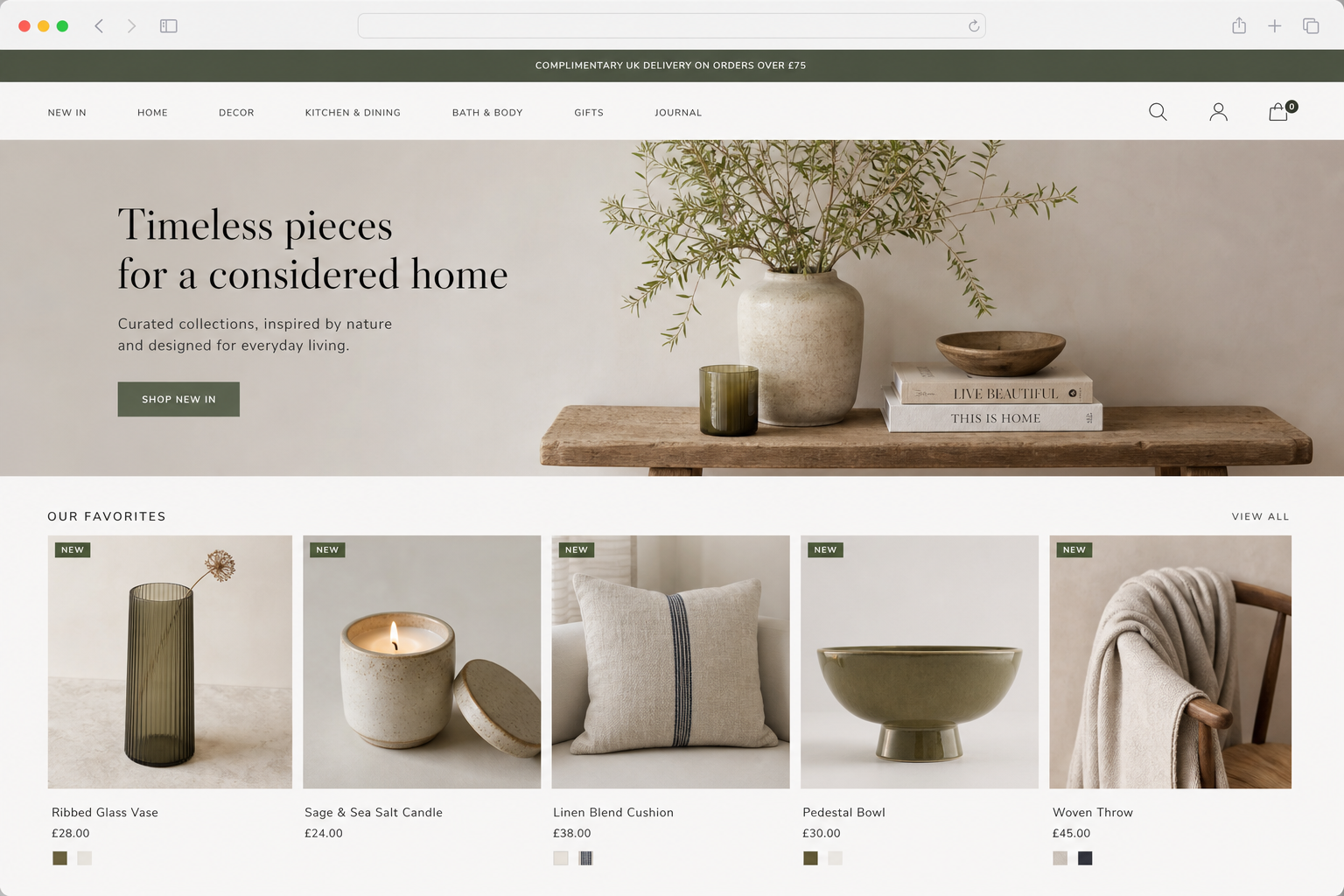



1/8
Custom development
Bespoke sites, apps, and integrations
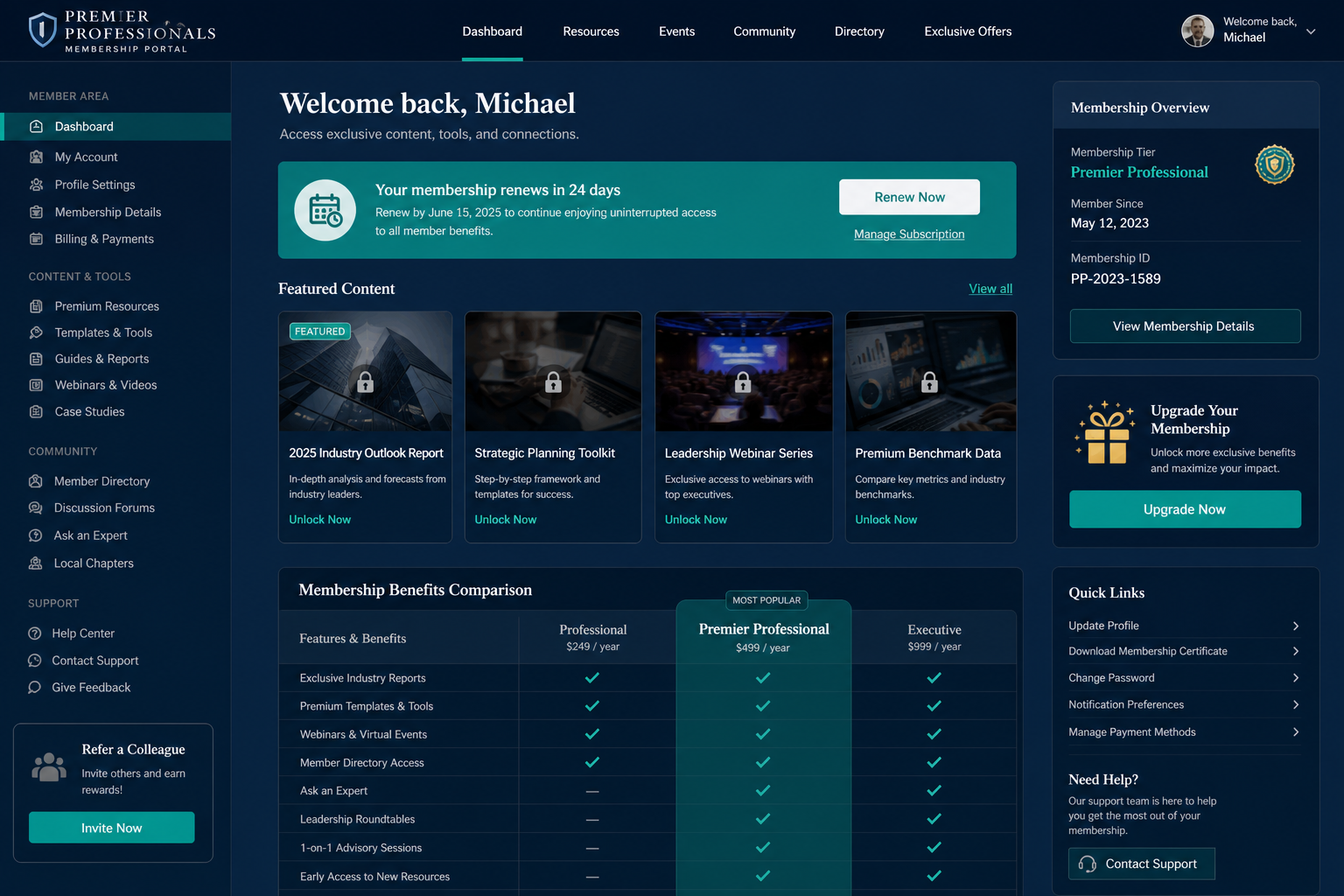
Ecommerce retail — product discovery, merchandising, and checkout-ready layout
View Custom development
You are setting up email for a new starter and the hosting account asks whether you want IMAP, Exchange or webmail. Three options, no explanation, and a growing suspicion that picking the wrong one will mean redoing the whole thing in six months.
The reassuring news is that these are not competing products you have to rank. They are different ways of getting at the same email, and the best choice falls out naturally once you think about how the person will actually use it.
Before comparing features, picture the working day. Does this person live in one mail app on one laptop, or do they hop between a desktop, a phone and the occasional borrowed machine? Do they need shared calendars and contacts, or just a reliable inbox?
Those habits, not the technology, point to the answer. A field engineer who checks mail on a phone has very different needs from a director juggling meetings across three devices. Get the habits clear and the rest is straightforward.
For the majority of small businesses, IMAP is the sensible default. It keeps your mail on the server and lets every device you own see the same, synchronised view. Read a message on your phone and it shows as read on your laptop too.
That server side syncing is the whole point. Your mail is not trapped on one machine, and if a laptop dies your inbox is safe on the server rather than lost with the hardware. The protocol is a long established internet standard, documented in the IMAP specification, and Mozilla's glossary entry on IMAP gives the plain English version. It is worth knowing that IMAP's older cousin, POP, defined in RFC 1939, tends to pull mail down to a single device and is rarely the right choice for a modern multi device team.
Our standard email hosting and mailboxes are built around IMAP for exactly this reason. It suits how most people now work, across more than one screen.
Webmail is simply your inbox in a browser, with nothing to install. You log in to a web page from any machine, anywhere, and your mail is there.
It is perfect for occasional access rather than a primary setup. Checking mail from a hotel computer, a colleague's desk, or a tablet you rarely use, webmail saves you configuring an account you will only touch once. Crucially, it is not an alternative to IMAP so much as a companion to it. The same mailbox can be reached through a mail app via IMAP and through webmail in a browser, because both are just windows onto the mail sitting on the server.
Where it earns its place as a main tool is for people who are rarely at the same desk and do not want the bother of managing devices. For everyone else it is the convenient back up route into the same inbox.
Some teams need more than mail. They need shared calendars that update instantly, contacts that sync across the company, and the confidence that booking a meeting on a phone appears on every colleague's desktop within seconds. This is where an Exchange style mailbox comes in.
Exchange style services synchronise mail, calendar and contacts together across all your devices in real time, which is why they suit teams that schedule heavily or share resources. The trade off is cost and a little more complexity, so they are worth it when collaboration is central rather than incidental. If your team's main pain is double booked meetings and out of date contact lists, this is the option that solves it.
Whatever you choose, the worry is the same: moving email without losing years of messages. It is a fair concern, because email is often a business's longest running record, but a careful migration protects all of it.
The key is that IMAP keeps everything on the server, which makes a clean move far easier than the old days of mail scattered across individual machines. A proper migration copies your folders, messages and structure across before you switch over, so nothing is lost in the gap. The standards that carry mail between servers, such as the SMTP specification, are universal, which is why a well planned move between providers is routine rather than risky. Our email migration service handles this transfer for you so the new mailbox arrives already populated.
One last point worth keeping in view through any change is security. Email remains the most common route for attacks on small businesses, so whichever mailbox type you pick, pair it with strong passwords and two factor authentication. The National Cyber Security Centre's small business guide and its advice on dealing with phishing are short, practical reads that apply no matter which option you land on.
Decide by the work, not the label. Most teams want IMAP, with webmail as the handy back door, and an Exchange style mailbox for those who live in their calendar. Match the type to the habits and the choice in that setup screen stops being intimidating.

Aggressive filters can be as damaging as no filter at all. Here is how to stop junk without quietly losing the messages that pay the bills.

When your invoices keep landing in junk, three DNS records usually hold the answer. Here is what SPF, DKIM and DMARC each do and how to set them.

Web Design
Your dev team keeps mentioning tokens and you keep nodding. Here is what they mean, and why they quietly save you money.



Comments