












1/11
WordPress design
Custom WordPress builds on a 5-year hosting agreement
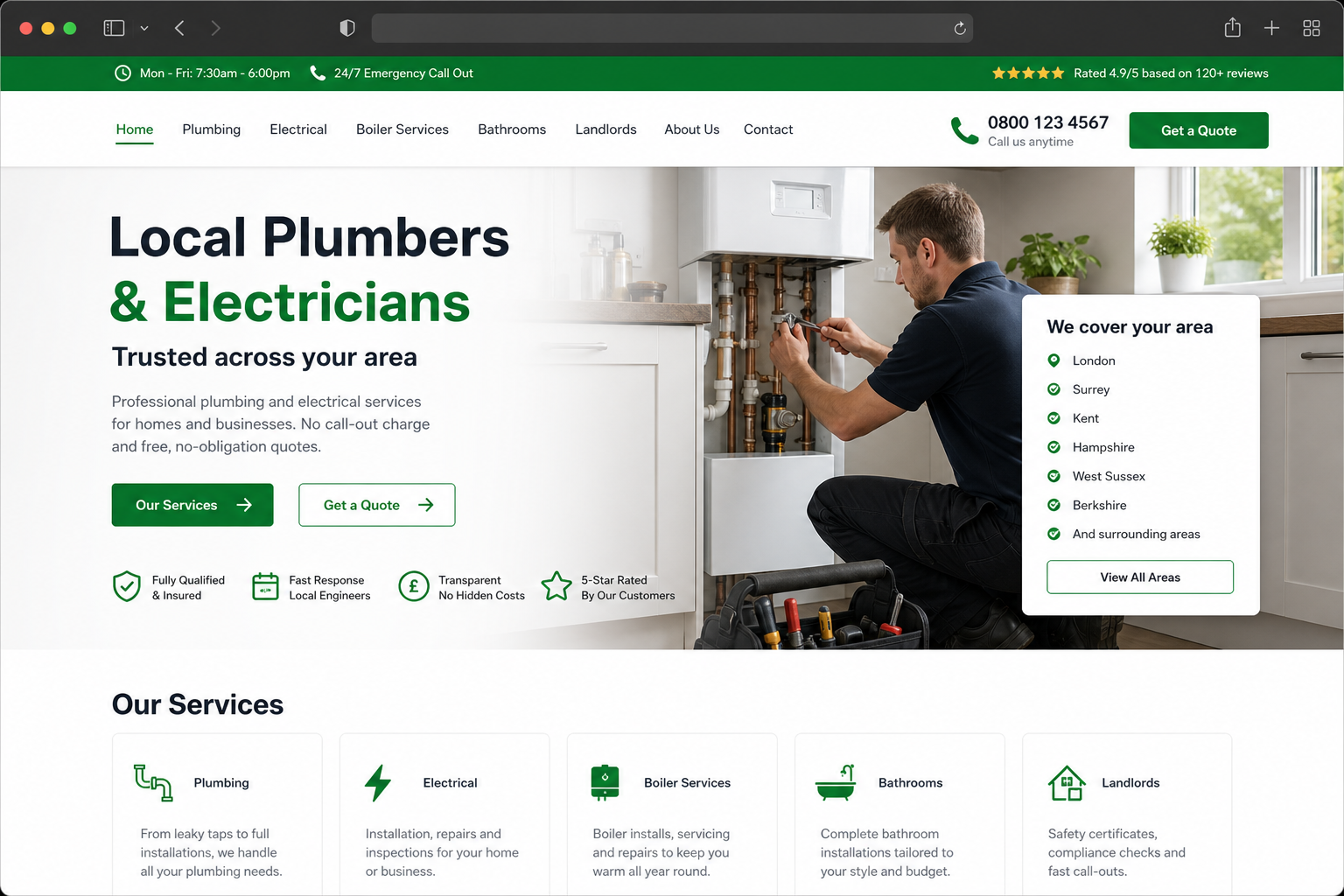
Trades & home services — emergency call-out, service grid, local trust signals
View WordPress design
Nano & Micro entry
Apps+OS from £5.33/mo — WordPress eligible
Small — 3 months free
Most popular starter — trial on new accounts
Scale plans
X-Large through 16X-Large for growth clients
Professional mailboxes
Webmail on your domain — monthly and annual plans
Uptime monitoring
External checks and alerts before customers notice
1/11
WordPress design
Custom WordPress builds on a 5-year hosting agreement
Trades & home services — emergency call-out, service grid, local trust signals
View WordPress design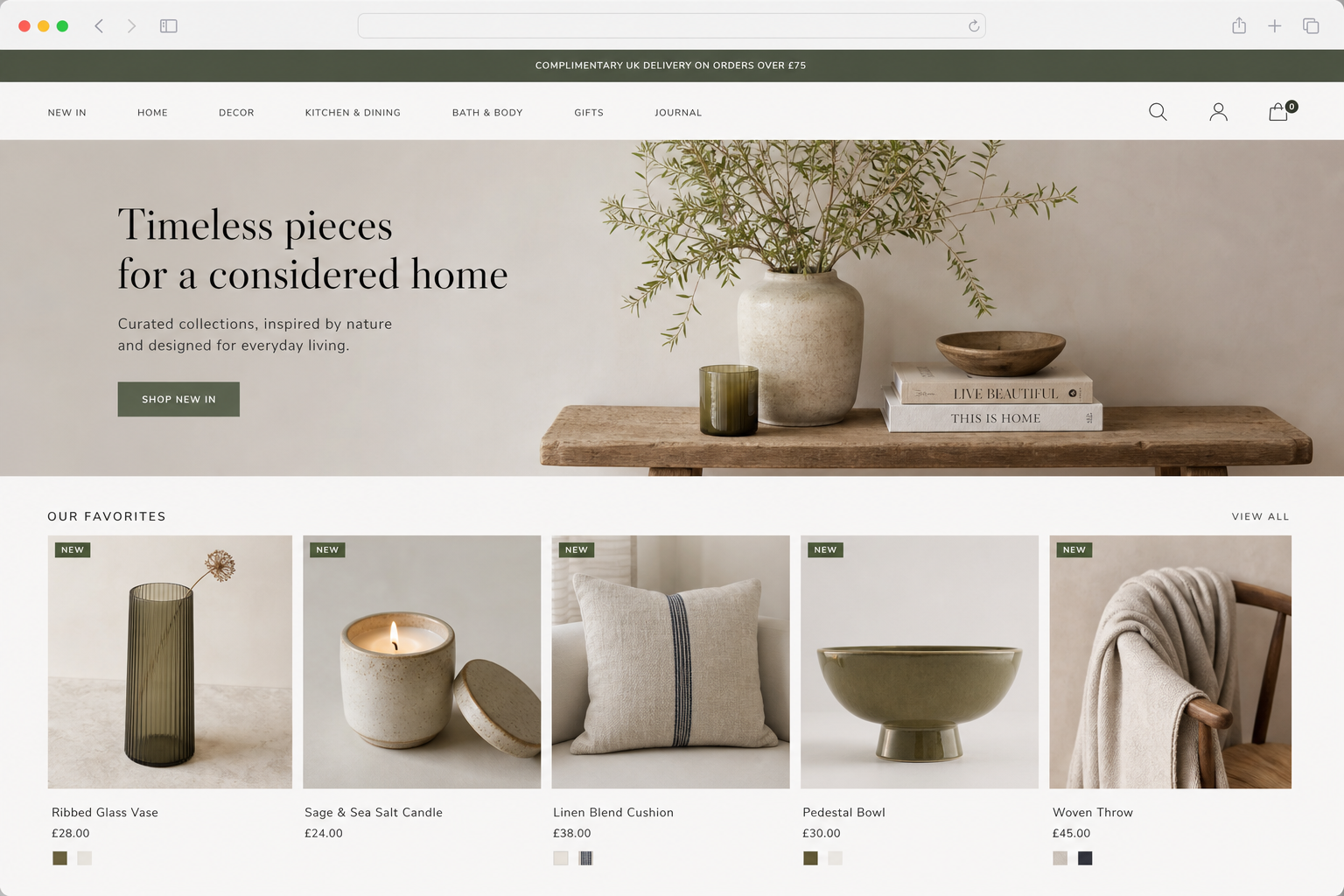


1/8
Custom development
Bespoke sites, apps, and integrations
Ecommerce retail — product discovery, merchandising, and checkout-ready layout
View Custom development
You sit down to choose hosting and immediately hit a wall of words. Shared, VPS, dedicated, cores, RAM, resource limits. The plans all promise the world, the prices vary wildly, and nothing explains in plain terms which one your business actually needs.
Strip away the jargon and the three main tiers are easy to tell apart. The differences come down to how much of a server you get to yourself, and that maps neatly onto how busy and how important your site is.
The simplest way to picture the tiers is housing. Shared hosting is a flat share. A VPS is having your own flat in a converted building. A dedicated server is a detached house. You are renting space in all three, but how much you control and how much you are affected by other people changes completely.
In a flat share you split the kitchen and the bills, which is cheap but means a noisy housemate affects your evening. In your own flat you have your own rooms and your own utilities even though the building is shared. In a detached house, the whole place is yours. Hold that picture and the rest of this falls into place.
On shared hosting, your site sits on a server alongside many others, all drawing from the same pool of processor, memory and storage. It is the cheapest option because the cost of the machine is split many ways, and for a great many sites it is genuinely all that is needed.
A brochure site, a small business presence, a new venture finding its feet, a low traffic blog. These run perfectly well on shared hosting, and paying for more would be waste. Our shared hosting plans are built for exactly these sites, with the day to day management handled for you.
The catch is in the analogy. You share resources, so a sudden surge on a neighbour's site can occasionally affect yours, and you have less freedom to install unusual software or tune the server. For most small sites that trade off is well worth the saving, and tools like the widely used cPanel, documented at docs.cpanel.net, make managing a shared account straightforward.
A virtual private server is the step up that solves most of shared hosting's limitations without the cost of a whole machine. The physical server is still shared, but it is divided into separate virtual compartments, and your slice of processor and memory is reserved for you alone.
That reservation is the point. A busy neighbour can no longer eat into your resources, because yours are ring fenced. You also get far more control, often including full administrative access and the WHM tools described in the cPanel and WHM documentation, so you can configure the environment to suit demanding software or specific performance needs.
This middle ground suits a growing business, a busy online shop, or any site where slow performance starts costing real money. Google's work on Core Web Vitals shows how sluggish loading drives visitors away, and a VPS gives a stretched site the headroom to stay quick under load. The MDN performance documentation is worth a read if you want to understand where that headroom actually helps.
A dedicated server is an entire physical machine, yours and yours alone. Nobody else shares the processor, the memory or the disks, so you get the full performance of the hardware and complete control over how it is set up.
This is the tier for high traffic sites, resource heavy applications, and businesses with strict requirements around security, compliance or isolation. When you cannot tolerate sharing hardware with anyone, for performance or for governance reasons, a dedicated server is the honest answer.
It costs more, and it asks more of whoever manages it, so it earns its keep only when the demands are real. Putting a quiet brochure site on a dedicated machine is like buying a lorry to do the weekly shop. The capability is there, but it is not the right tool for the job.
The mistake to avoid is choosing on fear or flattery rather than facts. Plenty of small sites overpay for power they never touch, while some growing ones limp along on a plan they outgrew a year ago.
Start from real numbers. Look at your actual visitor figures, how those have trended, and how the site feels at its busiest. If pages slow noticeably during peaks, or your shared plan keeps hitting resource limits, those are concrete signals to move up. The MDN introduction to server side concepts helps make sense of why busy sites strain a shared machine. If your traffic is modest and steady, resist the upsell.
It also helps to think about your own time. Higher tiers can mean more responsibility for keeping the server patched and secure, and security guidance like the OWASP project resources makes clear how much upkeep a server with full access really needs. If you would rather not own that, a managed plan at any tier hands the maintenance back to the host.
There is no universally best tier, only the one that fits your traffic, your budget and your appetite for management. Be honest about all three, measure before you leap, and the choice that looked like a wall of jargon becomes a fairly simple decision. Good guidance on web fundamentals, such as the web.dev learning material, is free, so there is no need to guess in the dark.

Servers
Shared hosting is a great place to start and a frustrating place to stay too long. Here are the warning signs that your site has outgrown it.

Servers
The control panel is the screen you will actually live in. Picking the right one matters more day to day than most hosting decisions.

Servers
If your traffic is growing or comes in spikes, the real question is not cloud or server but how each one copes when demand suddenly jumps.



Comments