






1/11
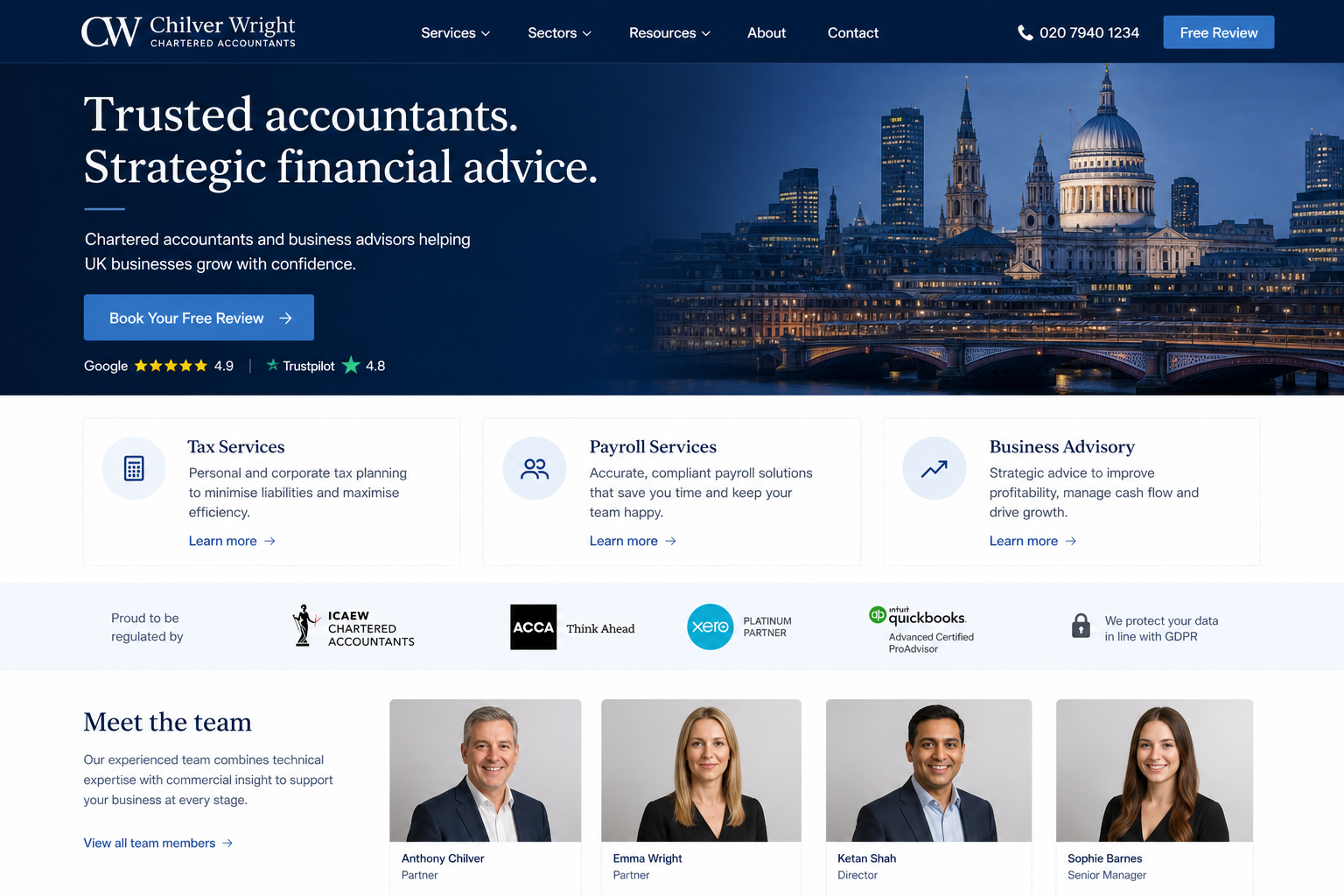
WordPress design
Custom WordPress builds on a 5-year hosting agreement
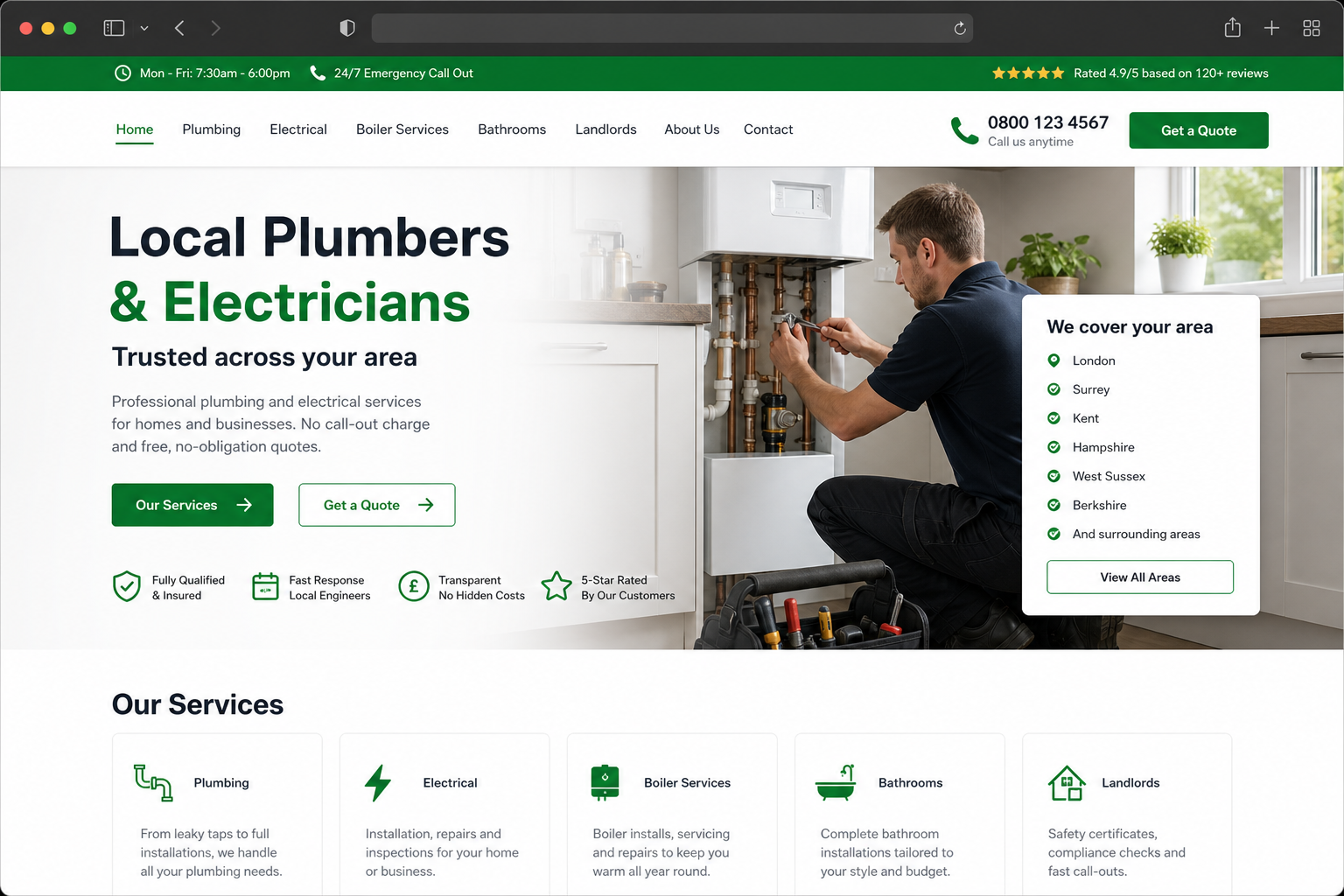
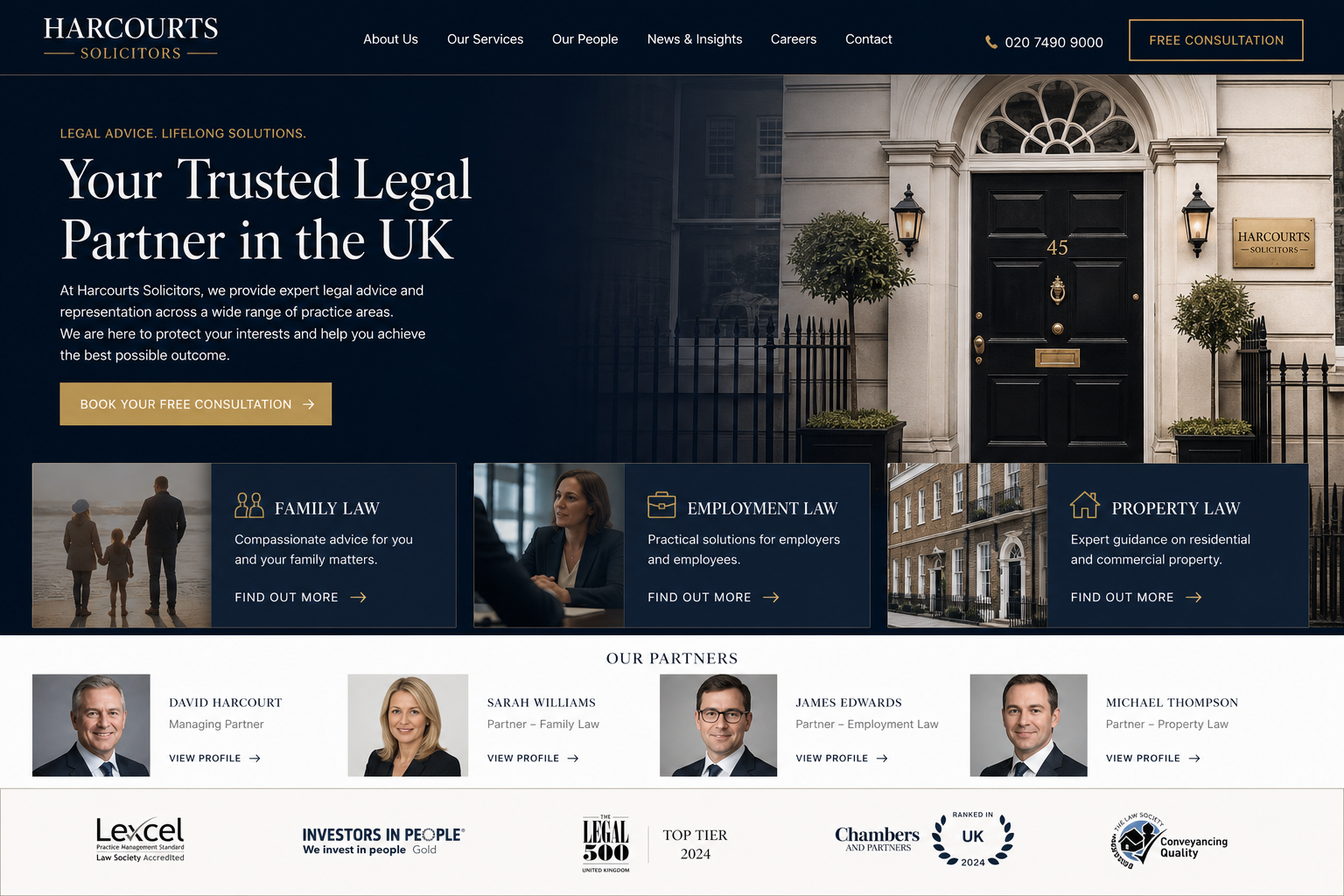
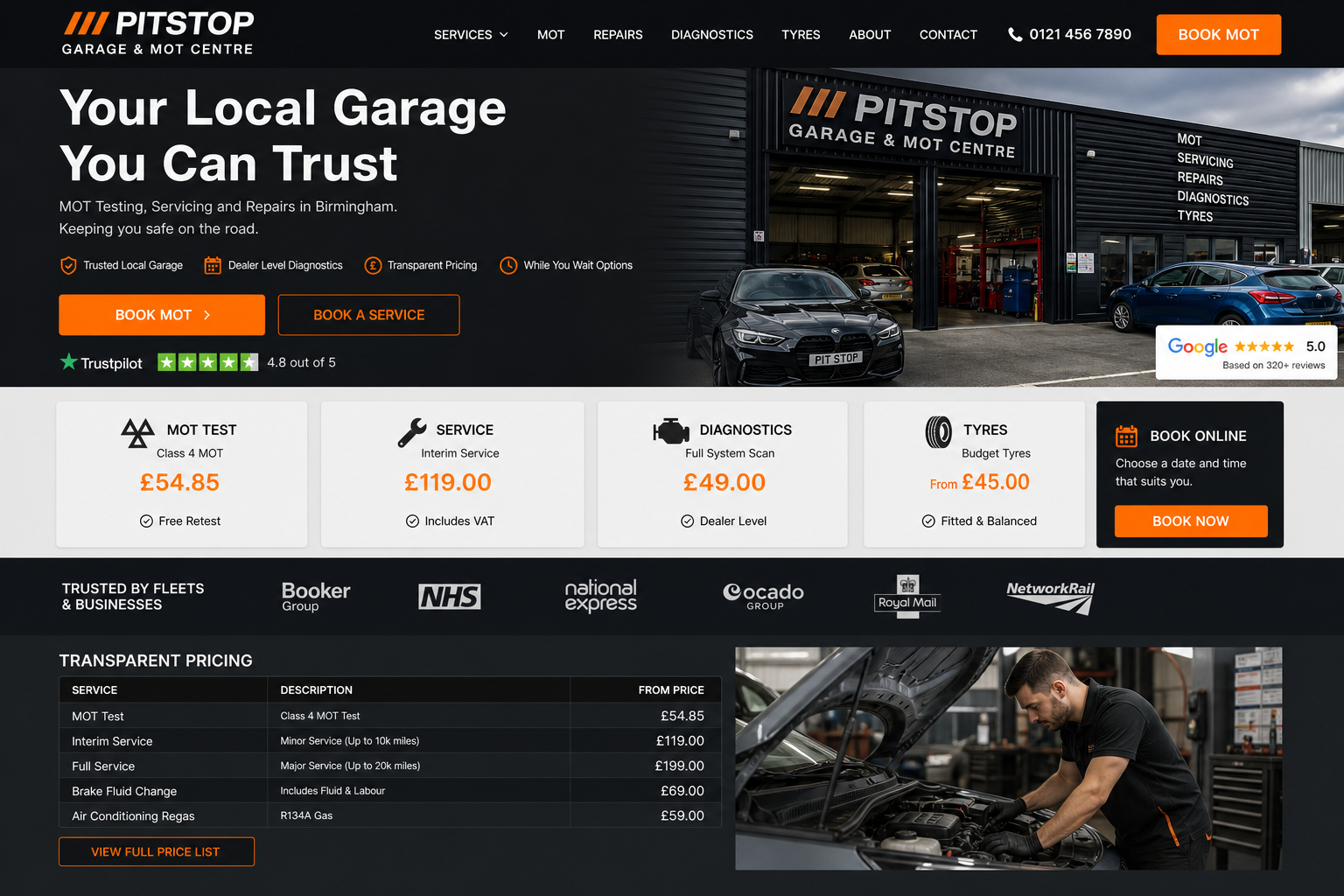
Trades & home services — emergency call-out, service grid, local trust signals
View WordPress design
Nano & Micro entry
Apps+OS from £5.33/mo — WordPress eligible
Small — 3 months free
Most popular starter — trial on new accounts
Scale plans
X-Large through 16X-Large for growth clients
Professional mailboxes
Webmail on your domain — monthly and annual plans
Uptime monitoring
External checks and alerts before customers notice
1/11
WordPress design
Custom WordPress builds on a 5-year hosting agreement
Trades & home services — emergency call-out, service grid, local trust signals
View WordPress design
1/8
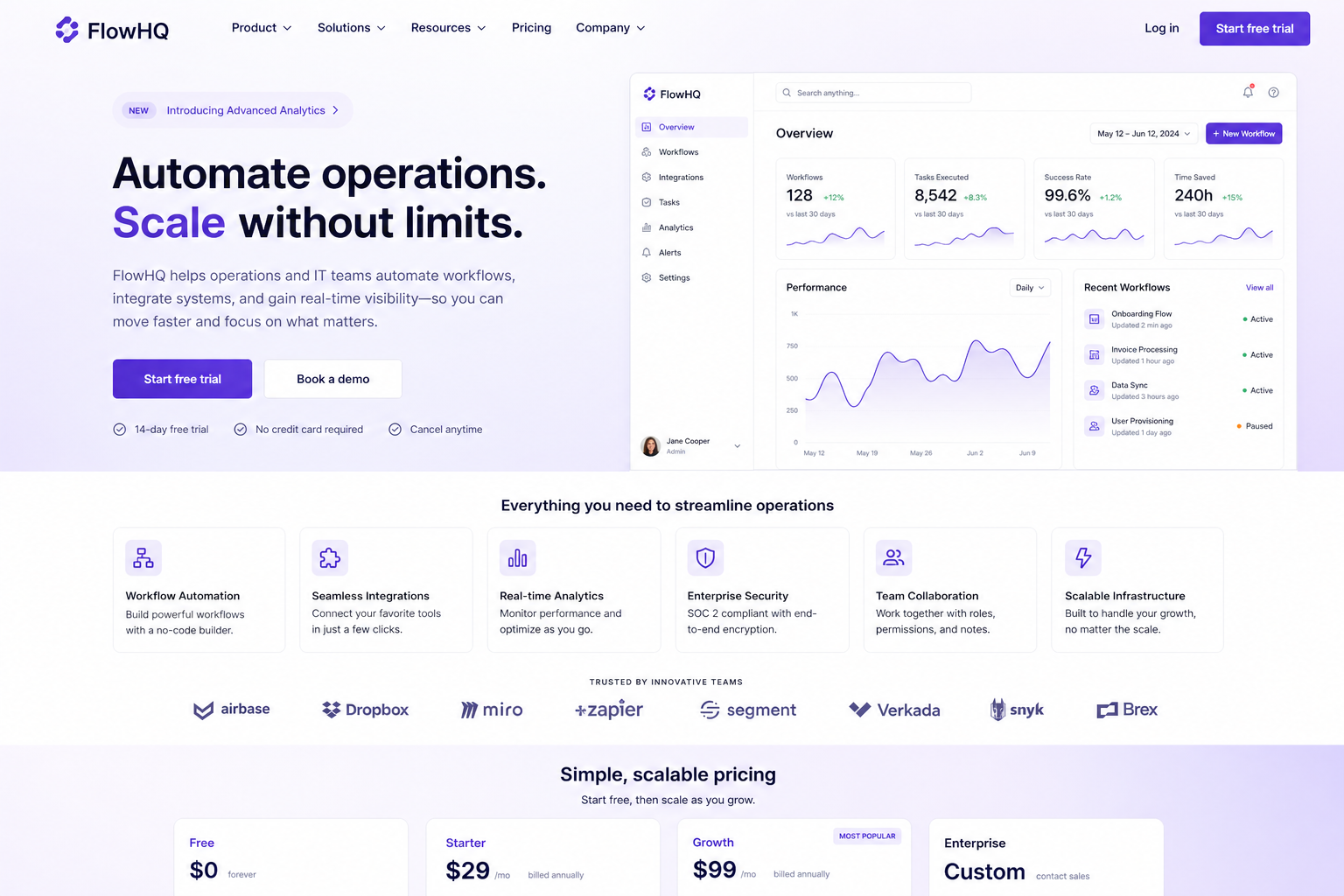
Custom development
Bespoke sites, apps, and integrations
Ecommerce retail — product discovery, merchandising, and checkout-ready layout
View Custom development
You go to buy a certificate for your site and the options multiply alarmingly. Domain validated, organisation validated, extended validation, wildcard, multi domain, free, paid. All you wanted was the little padlock, and now you are being asked to make security decisions you did not know existed.
The good news is that for most UK businesses the choice is much simpler than the menu suggests. Once you understand what each type actually verifies, the right one for you tends to be obvious.
First, a quick clearing up of terms. People still say SSL, but the modern protocol is really TLS, and the MDN glossary entry for TLS explains the lineage. Whatever you call it, the job is the same. It encrypts the connection between a visitor's browser and your server so nobody in between can read or tamper with what passes.
Every site needs this now, not just shops and login pages. Browsers flag plain unencrypted sites as not secure, and search engines expect encryption as standard. So the padlock is the baseline you must clear, not a premium feature. The interesting question is which certificate gets you there.
Certificates differ mainly in how much the issuer checks before handing one out. The encryption itself is identical across all three. What varies is the level of identity verification.
Domain validated, or DV, simply confirms that you control the domain. It is issued quickly and automatically, and it is what the vast majority of sites use. Organisation validated, or OV, goes further and checks that your business is a real registered organisation, so the certificate carries vetted company details. Extended validation, or EV, is the most rigorous, involving a deeper check of the legal entity.
For most businesses a DV certificate is entirely sufficient, because visitors judge trust by the padlock and the content, not by inspecting certificate details. OV and EV mainly earn their place in banking, large finance and certain regulated sectors where demonstrating a vetted identity carries real weight. If you are unsure, DV is rarely the wrong answer.
Beyond the validation level, certificates differ in how many names they cover. A standard certificate secures a single name. A wildcard certificate covers a domain and all of its subdomains at once, so shop, blog and mail under the same domain are all protected by one certificate. A multi domain certificate, sometimes called a SAN certificate, covers several different domains together.
These are about convenience and management rather than stronger security. If you run a handful of subdomains, a wildcard saves you juggling separate certificates. If you operate several distinct brands, a multi domain certificate keeps them tidy under one renewal. You can see the options for your own setup on our SSL page.
A common worry is that a free certificate must be weaker than a paid one. It is not. Free DV certificates from a project like Let's Encrypt use exactly the same encryption as paid ones, and they have become the default across much of the web for good reason.
The one genuine difference is lifespan. Free certificates are issued for short periods and are designed to renew automatically, which the Let's Encrypt documentation explains in detail. That automation is a feature, not a flaw, because a certificate that renews itself never lapses and breaks your site at three in the morning. The thing to confirm is that your host handles the renewal for you, so it is genuinely hands off.
Once your certificate is installed, one issue often spoils the padlock. If your secure page still loads an image, script or stylesheet over an old unencrypted address, the browser flags the page as only partly secure. This is called mixed content, and the MDN guide to mixed content shows how it weakens the very protection you just set up.
The fix is to make sure every resource on the page is loaded securely, updating any hard coded links and asking plugins or themes to do the same. The OWASP project's transport layer protection guidance is a good reference for getting the configuration fully right rather than half right. Get the certificate, automate the renewal, clear the mixed content, and the padlock stops being a worry and goes back to doing its quiet job. Our wider security tooling helps keep it that way as your site grows.

Security
You do not need a security team to protect customer data well. A handful of disciplined habits stops the overwhelming majority of incidents.

Security
A web application firewall is not antivirus and not the firewall in your router. It reads the traffic hitting your website and blocks the requests built to attack it.

Security
Plenty of small sites assume they are too minor to attack. Automated floods do not check your turnover before they knock you offline.



Comments