













1/11
WordPress design
Custom WordPress builds on a 5-year hosting agreement
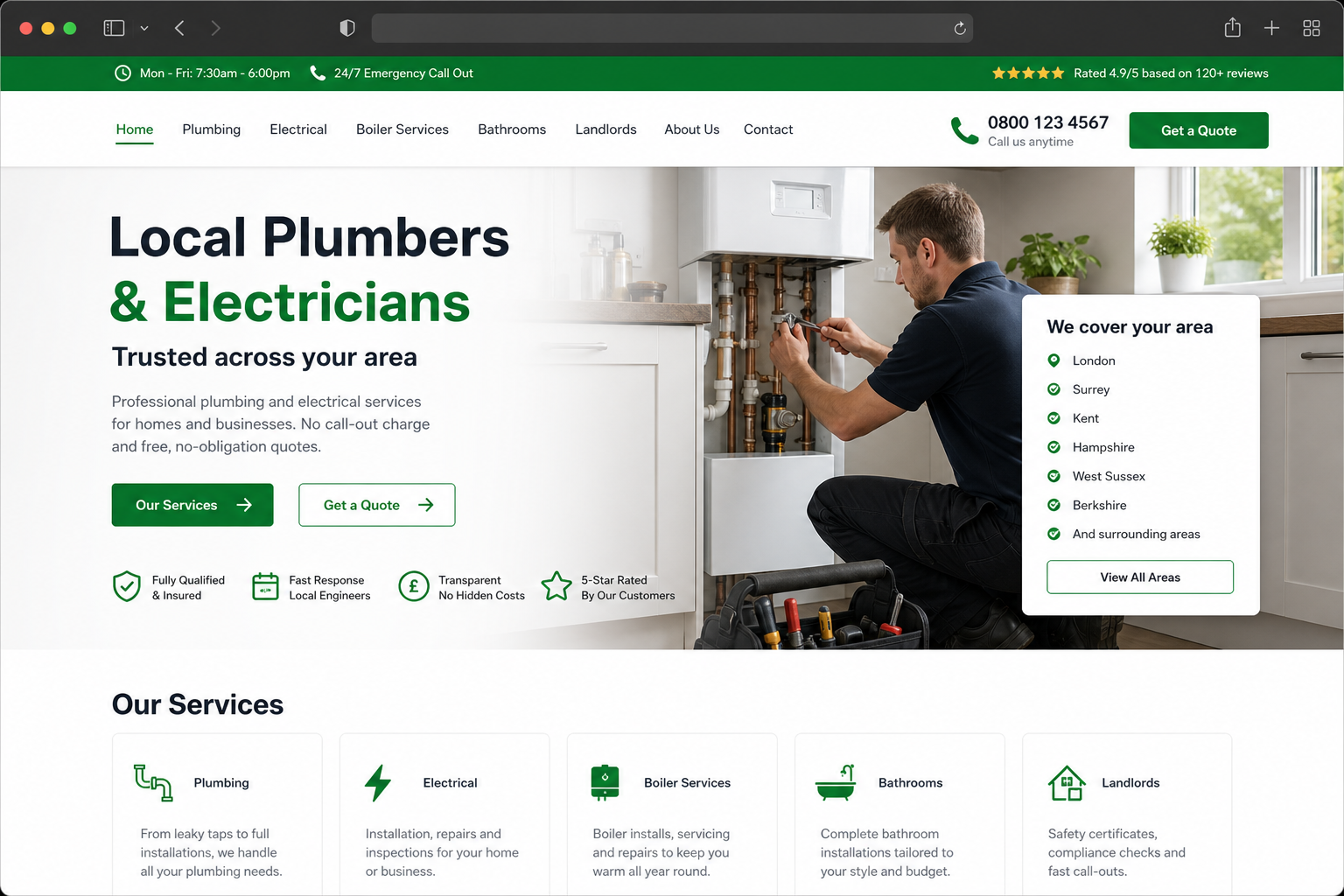
Trades & home services — emergency call-out, service grid, local trust signals
View WordPress design
Nano & Micro entry
Apps+OS from £5.33/mo — WordPress eligible
Small — 3 months free
Most popular starter — trial on new accounts
Scale plans
X-Large through 16X-Large for growth clients
Professional mailboxes
Webmail on your domain — monthly and annual plans
Uptime monitoring
External checks and alerts before customers notice
1/11
WordPress design
Custom WordPress builds on a 5-year hosting agreement
Trades & home services — emergency call-out, service grid, local trust signals
View WordPress design


1/8
Custom development
Bespoke sites, apps, and integrations
Ecommerce retail — product discovery, merchandising, and checkout-ready layout
View Custom development
You click update on a plugin during your lunch break, the page reloads, and instead of your homepage you get a blank white screen. Orders stop. The phone starts. You have just learned, the hard way, that the live site is the worst possible place to test a change.
Almost everyone who runs a website has a version of this story. The good news is that it is entirely avoidable, and the fix has a boring name: a staging environment.
The call goes one of two ways. Either a customer tells you the site is down, or you discover it yourself moments after a change and spend the next hour frantically trying to undo something you do not fully understand. Both are stressful, and both happen because the experiment and the shop front were the same thing.
A staging environment separates the two. It gives you somewhere to make a mess in private, so the version your customers see only ever changes once you are sure it works.
A staging site is a private copy of your live website, running on the same kind of server, hidden from search engines and the public. It has its own copy of the files and the database, so anything you do there leaves the real site untouched.
Think of it as a dress rehearsal. Same stage, same lighting, same script, but no audience. You can update the platform, trial a new theme, or test a tricky plugin combination, and if it all falls over, nobody outside your team ever knows. Many hosts can spin one up with a single click, and our WordPress hosting includes staging so you are not setting it up by hand.
It matters that staging closely mirrors production. A copy running a different version of the underlying software can pass a test that the real site then fails, which defeats the point. The official WordPress documentation on updating is worth a read because it explains why version mismatches cause so many of these surprises.
Once you have staging, updates stop being a leap of faith and become a short, repeatable routine.
It is the click through that catches problems. An update can install cleanly and still break a payment step or a form, and the only way to know is to behave like a customer for two minutes. When something does go wrong, the browser's own developer tools will usually point straight at the error, which is far less frightening than guessing.
Even with staging, take a fresh backup before you touch the live site. The WordPress guide to backups explains why a recent restore point turns any failed change into a five minute fix rather than a disaster.
Here is the catch people miss. While you were testing on staging, the live site kept working. New orders arrived, comments came in, stock counts changed. If you simply copy your staging database back over the top of production, you can wipe all of that out.
The safe approach is to push files and configuration from staging to live, while leaving the live database, where the fresh orders and customer data sit, in place. Good hosting tools handle this distinction for you, merging code changes without flattening the data that arrived in the meantime. If you are ever unsure which way the sync runs, that is exactly the moment to pause and ask. Our support team would far rather answer a question first than recover lost orders after.
For anything more involved, such as a redesign or a major version jump, it is also worth understanding the basics of how web performance and caching behave once changes go live, which the MDN web performance guide covers well. A change that works on staging can still feel different under real traffic, and knowing what to watch for saves a second scare.
The businesses that never seem to suffer mysterious outages are not luckier than everyone else. They have simply made testing first a reflex rather than a special occasion.
Adopt one rule and most of the risk disappears: nothing goes onto the live site until it has worked on staging. It adds a few minutes to every change and removes the worst afternoons of your year. Speed guidance like the web.dev learning path is far more useful when you can trial improvements safely first, knowing a mistake costs you nothing but a refresh of a private copy.
Treat your live site as something you protect, not something you experiment on, and the panicked lunchtime phone call quietly stops happening.

WordPress
Those endless failed login attempts in your logs are not random. They are bots guessing passwords, and a few layered defences shut them out for good.

WordPress
A slow WordPress site is usually a hosting problem in disguise. Here is the stack that makes pages quick and the choices that quietly slow them.

Servers
Finding out your site is down from an angry customer is the worst way to learn. Good monitoring tells you first, so you fix it before they notice.



Comments