













1/11
WordPress design
Custom WordPress builds on a 5-year hosting agreement
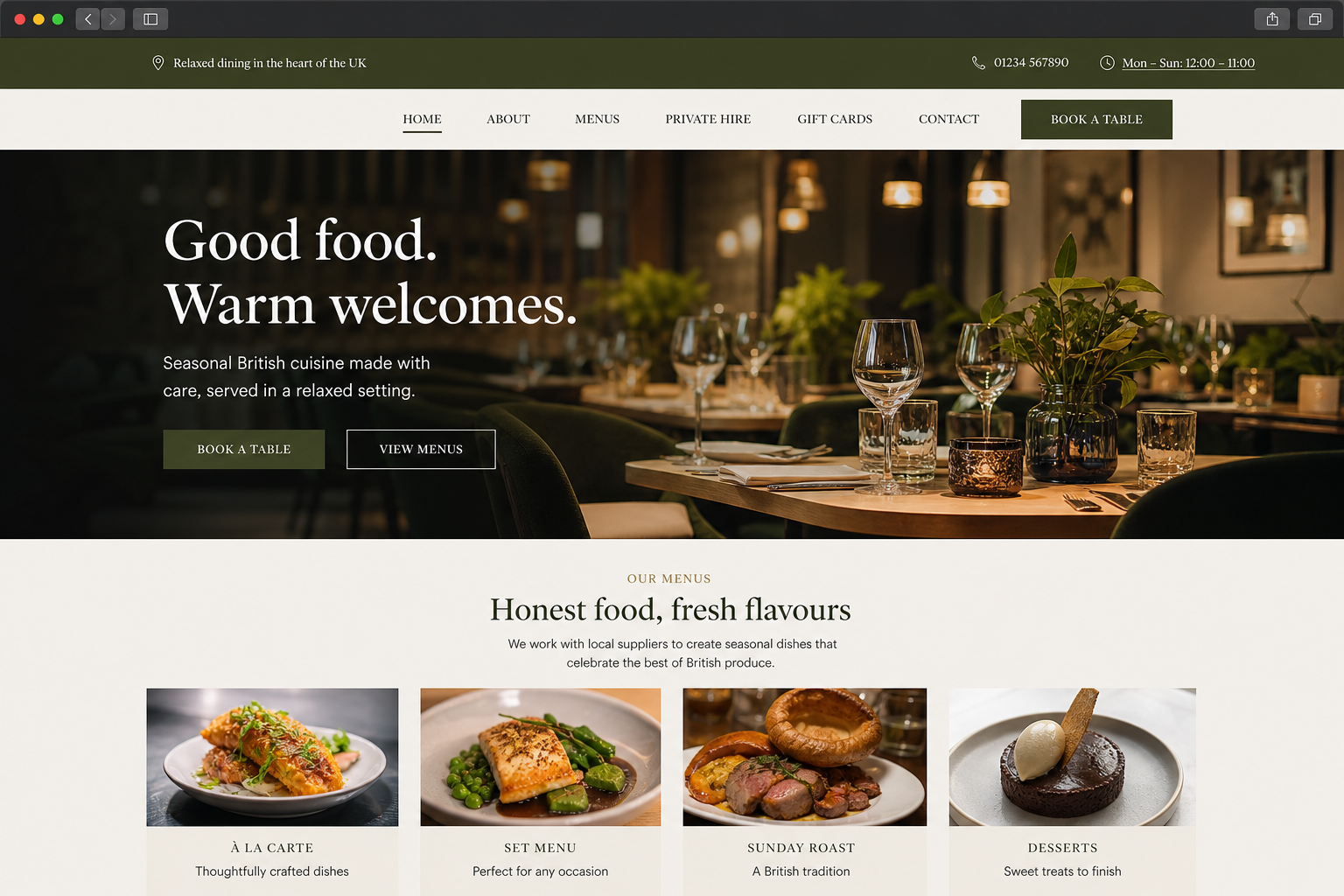
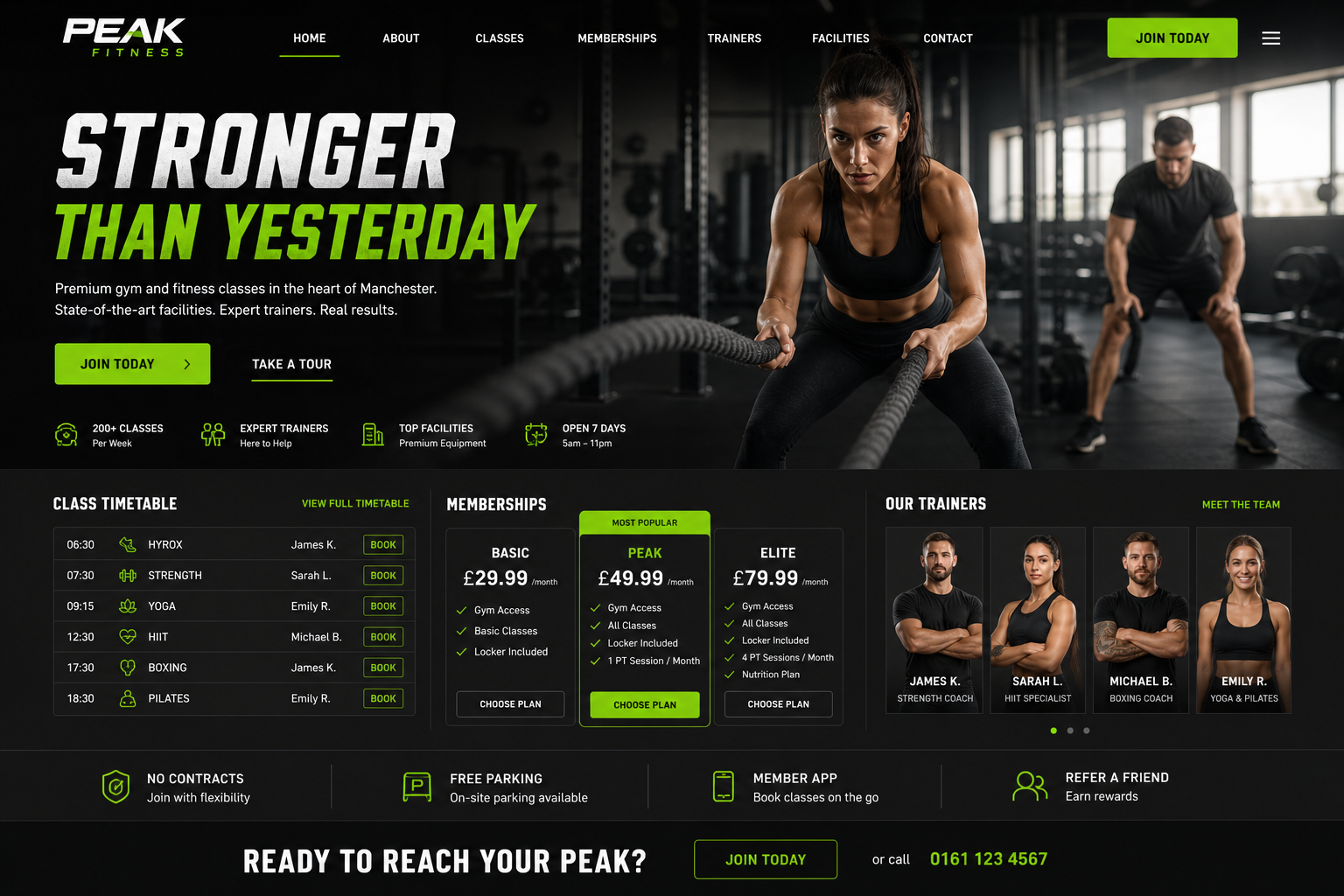
Trades & home services — emergency call-out, service grid, local trust signals
View WordPress design
Nano & Micro entry
Apps+OS from £5.33/mo — WordPress eligible
Small — 3 months free
Most popular starter — trial on new accounts
Scale plans
X-Large through 16X-Large for growth clients
Professional mailboxes
Webmail on your domain — monthly and annual plans
Uptime monitoring
External checks and alerts before customers notice
1/11
WordPress design
Custom WordPress builds on a 5-year hosting agreement
Trades & home services — emergency call-out, service grid, local trust signals
View WordPress design



1/8
Custom development
Bespoke sites, apps, and integrations
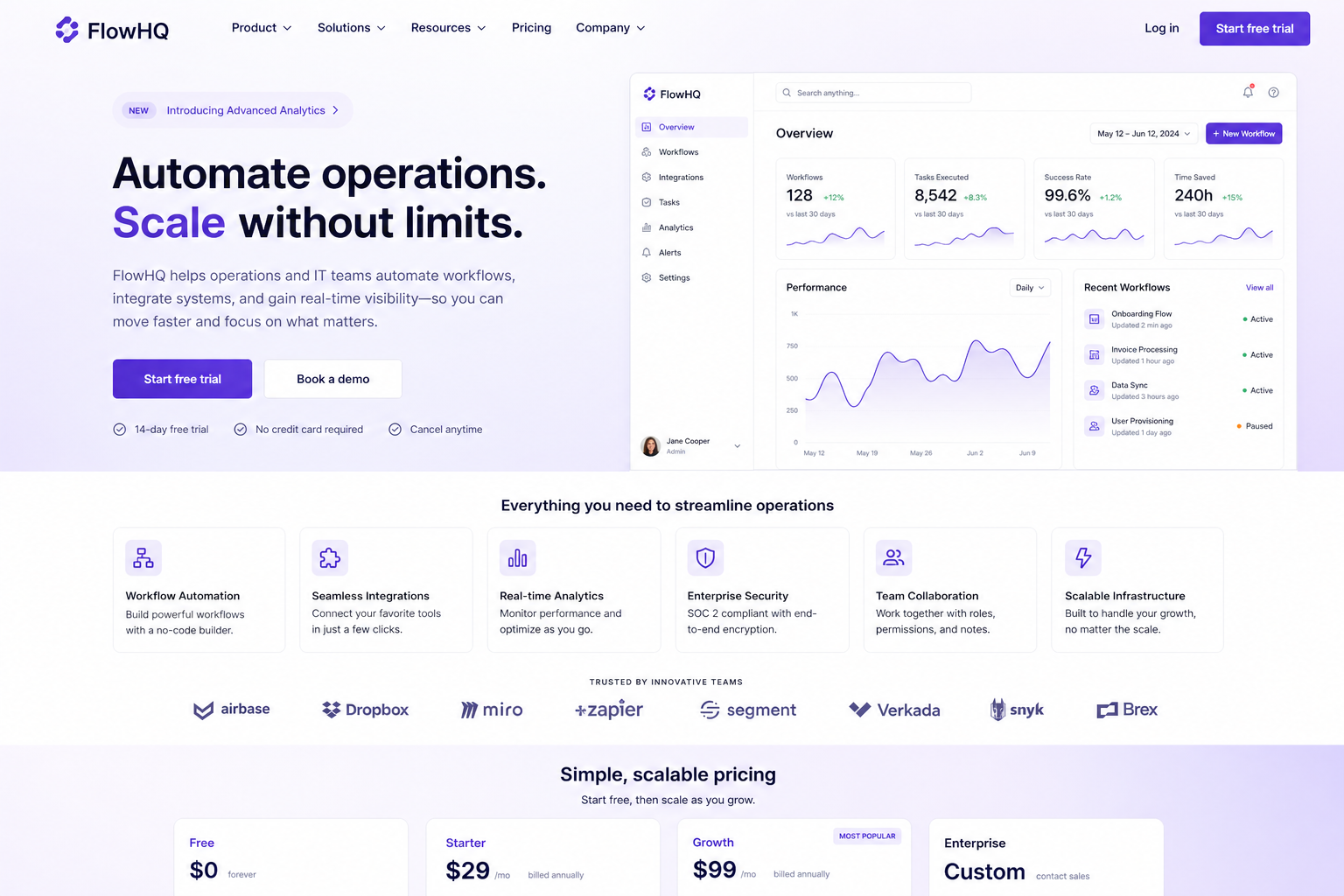
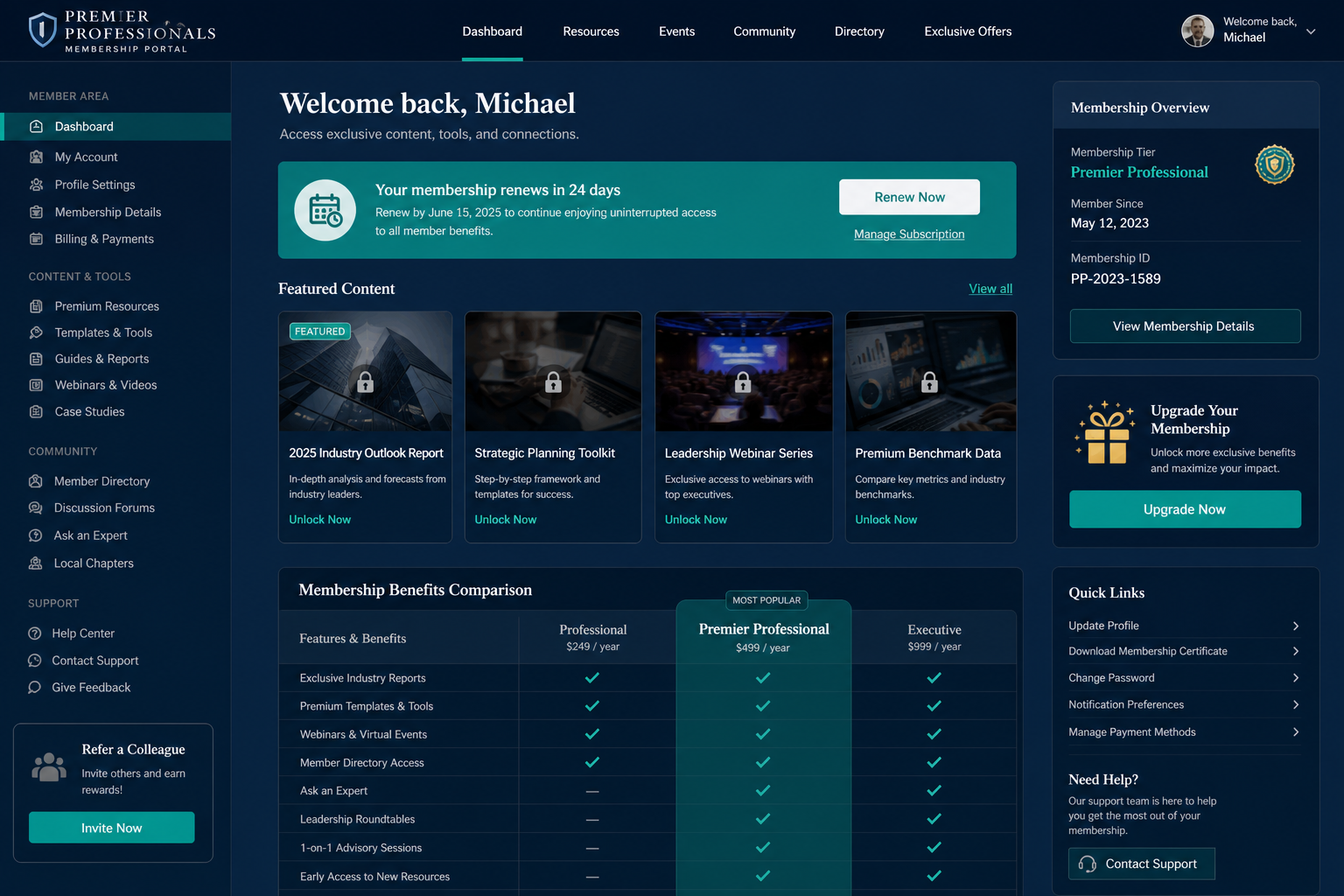
Ecommerce retail — product discovery, merchandising, and checkout-ready layout
View Custom development
Open the security log on almost any WordPress site and you will find it: a steady drip of failed logins, often hundreds a day, for usernames you never created. It is unsettling the first time you notice it, and the instinct is to assume someone has singled you out.
They have not. This is background noise, automated and relentless, and once you understand what it is you can shut most of it down with a handful of sensible measures.
Brute force attacks are not clever. A bot simply tries username and password combinations over and over, hoping to stumble onto one that works. The attacker rarely knows or cares who you are. They are scanning the whole web and your site happened to answer.
Because the work is automated, scale is no obstacle. A single operator can hammer thousands of sites at once, around the clock, at no real cost to themselves. OWASP's description of the brute force attack lays out the mechanics, and the takeaway is that volume, not skill, is the threat you are defending against.
WordPress powers a huge share of the web, and almost every install has its admin login at the same predictable address. That consistency is wonderful for users and a gift to attackers, because they always know where to knock.
Worse, many breaches do not even need to guess. Attackers buy lists of passwords leaked from other services and try them against your login, betting that someone reused theirs. You can check whether a password has appeared in a known breach at Have I Been Pwned, and the results are usually sobering. This reuse problem, sometimes called credential stuffing in the OWASP catalogue, is exactly why a strong, unique admin password is the cheapest defence you have.
No single trick stops everything, so the right approach is layers. Each one removes a slice of the attacks, and together they make your site far more trouble than the next target along.
Rate limiting caps how many login attempts an address can make in a given window. A real person mistypes a password two or three times. A bot tries fifty in a minute. Limiting attempts and locking out an address after a few failures breaks the whole economics of a brute force run, because the bot can no longer fire thousands of guesses unimpeded.
Two factor authentication adds a second proof of identity beyond the password, usually a code from an app on your phone. Even if an attacker guesses or buys your password, they are stopped at the second step. The official guidance on adding two step authentication to WordPress walks through the options, and turning it on for every administrator is the single highest value change most sites can make.
Plugins are useful, but anything running inside WordPress only acts after the request has already reached PHP and woken up your site. The more efficient place to stop bad traffic is earlier, at the server, before it costs you any resources at all.
Server level protection watches login attempts across the whole platform and blocks offending addresses before they ever load your admin page. Because it sees patterns across many sites, it spots a bot that is working through a list far faster than any single site could. Our Imunify360 security does exactly this, combining reputation data with behaviour analysis so persistent attackers are blocked at the door rather than at the login form.
This layer also protects against the resource drain that heavy brute force traffic causes. Even when the attacks fail, answering thousands of login requests eats processor time. Turning them away early keeps your site quick for the visitors who actually matter.
All of this guards the front door, but attackers also probe the windows. Out of date plugins, themes and core files are a common way in, because a published vulnerability is a public instruction manual for getting past your login entirely.
Keep WordPress core, your theme and every plugin current, and remove anything you no longer use rather than leaving it dormant and unpatched. The project maintains a thorough guide to hardening WordPress that is worth reading once and revisiting yearly. Patching is unglamorous, but a fully updated site closes the doors that no amount of login protection can cover.
It also helps to start from a platform built with this in mind. Hosting that is tuned for WordPress, like our managed WordPress hosting, handles much of the patching and server hardening for you, so the defences are on by default rather than something you remember to add later.
Put the layers together and the picture changes. Strong unique passwords, rate limits, two factor, server level blocking and diligent patching turn that endless drip of failed logins into exactly what it should be: harmless noise that never gets anywhere near your site.

WordPress
A slow WordPress site is usually a hosting problem in disguise. Here is the stack that makes pages quick and the choices that quietly slow them.

WordPress
Updating a live website is a gamble you do not need to take. A staging copy lets you try changes safely before customers ever see them.

Servers
Finding out your site is down from an angry customer is the worst way to learn. Good monitoring tells you first, so you fix it before they notice.



Comments