














1/11
WordPress design
Custom WordPress builds on a 5-year hosting agreement
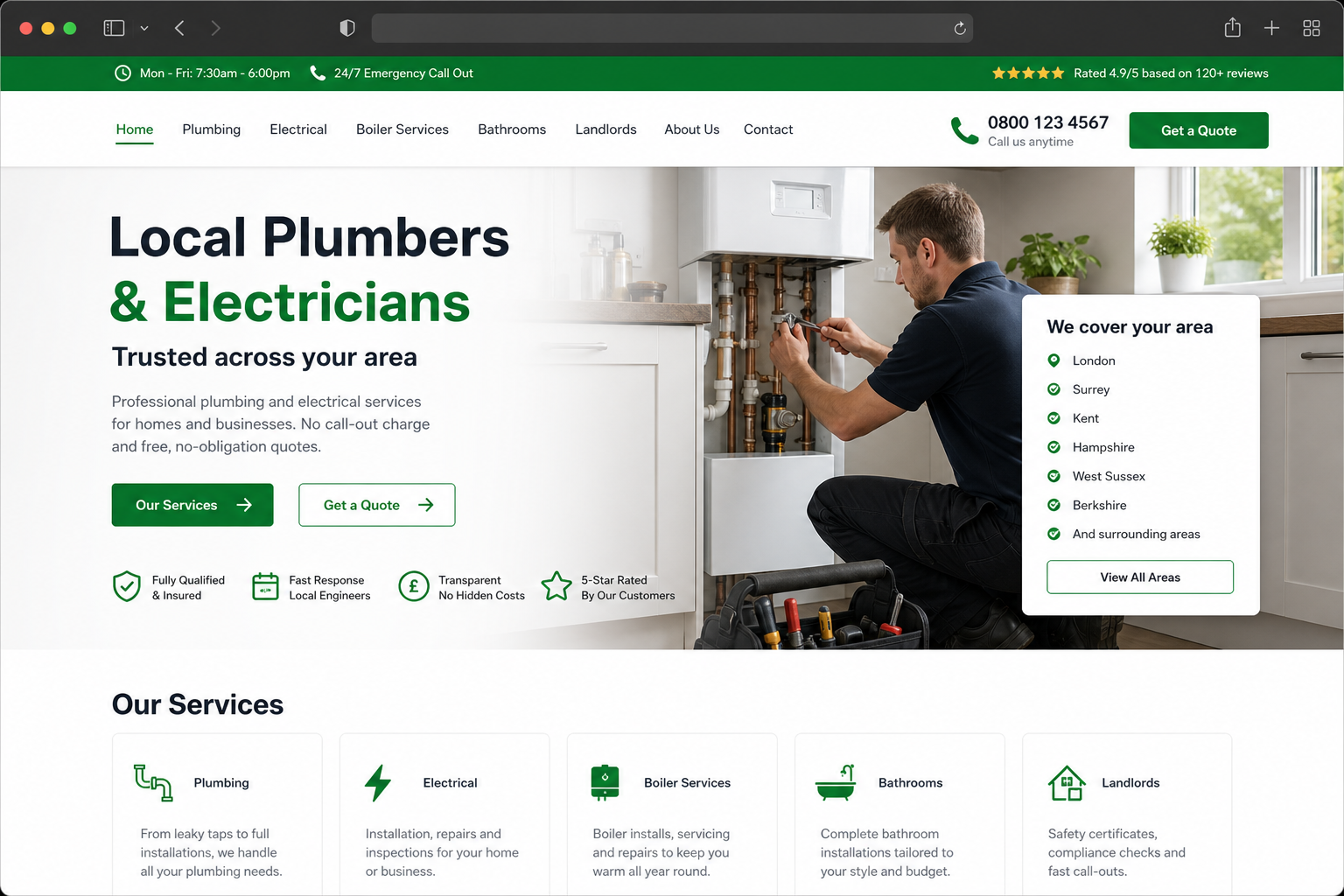
Trades & home services — emergency call-out, service grid, local trust signals
View WordPress design
Nano & Micro entry
Apps+OS from £5.33/mo — WordPress eligible
Small — 3 months free
Most popular starter — trial on new accounts
Scale plans
X-Large through 16X-Large for growth clients
Professional mailboxes
Webmail on your domain — monthly and annual plans
Uptime monitoring
External checks and alerts before customers notice
1/11
WordPress design
Custom WordPress builds on a 5-year hosting agreement
Trades & home services — emergency call-out, service grid, local trust signals
View WordPress design

1/8
Custom development
Bespoke sites, apps, and integrations
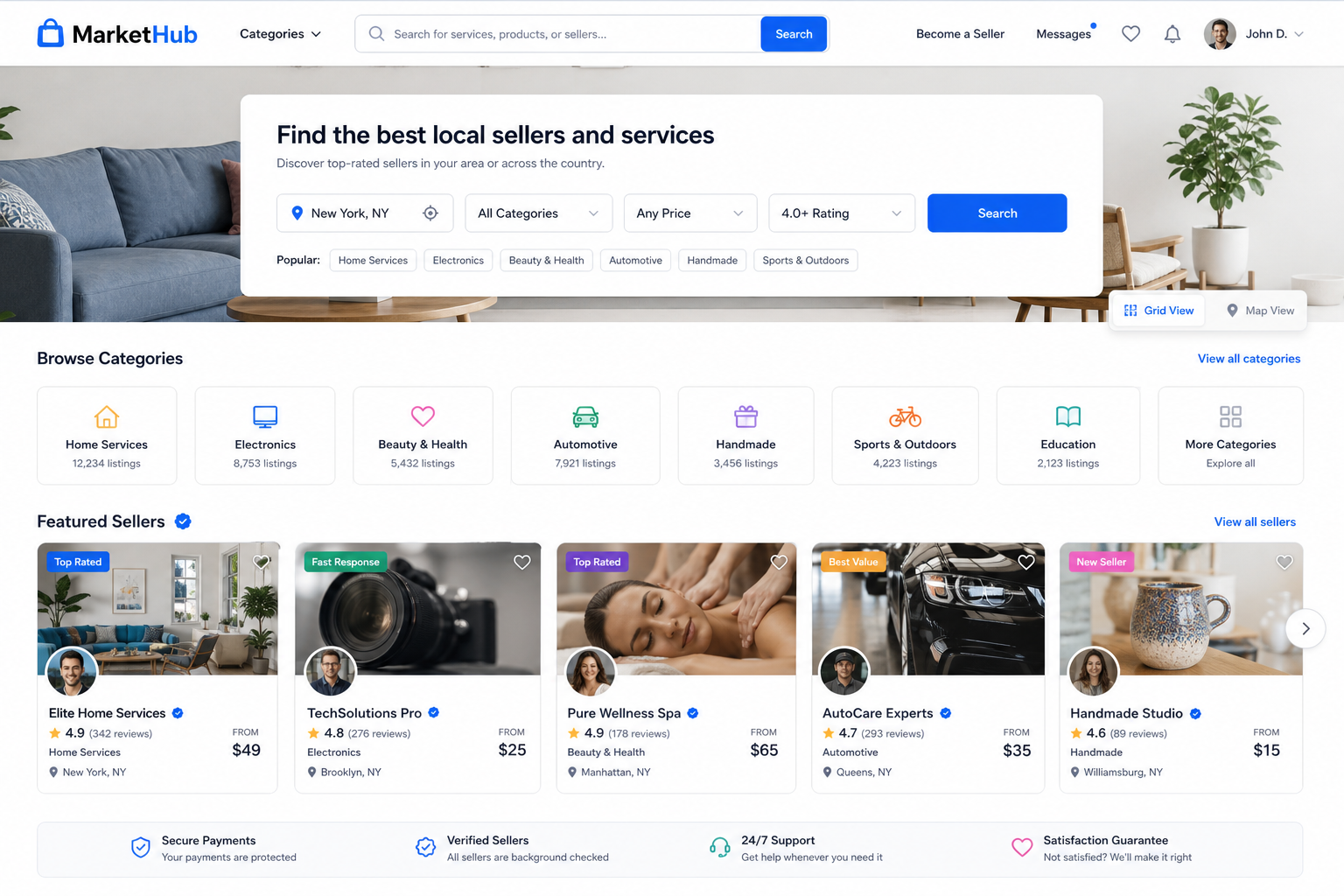
Ecommerce retail — product discovery, merchandising, and checkout-ready layout
View Custom development
You are comparing two hosts, and both splash a percentage across the page. One promises 99.9 percent uptime, the other 99.99 percent. They look almost identical, so it is tempting to treat them as the same thing and pick on price. That instinct can cost you a working day a year without you noticing.
An uptime figure is only useful once you understand what it converts to in minutes, and what the contract behind it really guarantees. Both are easy to work out, and neither is what the marketing wants you to focus on.
Almost every provider quotes an availability percentage in their service level agreement, the SLA. It is the headline trust signal of the hosting world, and it is genuinely useful. The catch is that the extra nines matter far more than they appear to, because the scale is not linear in any way your eye can judge.
Two figures that read as nearly the same can describe very different experiences. The gap between them is measured in hours of your site being unreachable, which is to say hours of customers meeting an error page instead of your business.
The honest way to compare promises is to translate them into allowed downtime over a year. At 99.9 percent, a service may be down for roughly eight to nine hours across twelve months. At 99.99 percent, that allowance shrinks to under an hour. At 99 percent, which still sounds respectable, you are looking at more than three full days.
Put like that, the decision changes shape. A single extra nine is the difference between an annoying afternoon and a long weekend of being offline. When a host quotes a figure, do the arithmetic yourself rather than trusting that the number feels high enough.
Here is the part the headline hides. An SLA is a contract, and contracts have exclusions. Read the document and you will usually find that scheduled maintenance does not count against the promise, and neither do problems caused by your own code, a third party plugin, or a traffic spike you triggered.
You should also check what you actually get when the host misses its own target. In most cases the remedy is a service credit, a small discount on a future bill, not compensation for the sales you lost. That is normal, but it means the SLA is best read as a statement of intent rather than an insurance policy. Public sector teams describe the same reality in the government's service manual guidance on monitoring, which is worth a read even for a private business.
Never rely solely on your host to tell you when your site is down. The whole point of monitoring is to learn about a problem before your customers do, and an independent check sitting outside your provider's network is the only way to be sure.
A monitor pings your site every minute or so from somewhere else on the internet and alerts you the moment it stops responding. That outside view matters, because a fault can sit between your server and your visitors while the server itself looks perfectly healthy from the inside. The NCSC's advice on logging and monitoring makes the same point about watching from outside your own walls. Our uptime monitoring does exactly this, and it gives you your own record of availability to hold any provider to account.
Speed counts here too, not just whether the site is up. Google's work on Core Web Vitals shows that a page which technically loads but responds slowly drives people away much like one that is fully down, so a good monitoring setup watches response time as well as a simple pass or fail.
The uncomfortable truth is that everything fails eventually. Hardware dies, networks wobble, and software has bad days. Chasing a perfect score is less productive than designing so that a single failure does not take everything down with it.
That means spreading risk. Backups you have actually tested, so a broken server is an inconvenience rather than a catastrophe. A platform that can move your site to healthy hardware when a machine fails, an idea the high availability literature calls removing single points of failure, which is one of the quiet advantages of cloud hosting over a single fixed box. Even small touches help, such as a cached version of a page that can still be served when the database is struggling, an approach the MDN documentation on HTTP caching explains well.
Treat the SLA percentage as one input among several, not the whole decision. A slightly lower headline figure from a host with fast UK support, honest exclusions and real redundancy will serve you better than a bigger number with a contract full of holes. Work out the minutes, read the small print, and watch your own uptime. That is how you turn a marketing percentage into something you can actually trust.

Servers
If your traffic is growing or comes in spikes, the real question is not cloud or server but how each one copes when demand suddenly jumps.

Servers
The control panel is the screen you will actually live in. Picking the right one matters more day to day than most hosting decisions.

Servers
Three hosting tiers, a wall of jargon, and a real decision to make. Here is what actually separates them and how to pick the right one.



Comments