












1/11
WordPress design
Custom WordPress builds on a 5-year hosting agreement
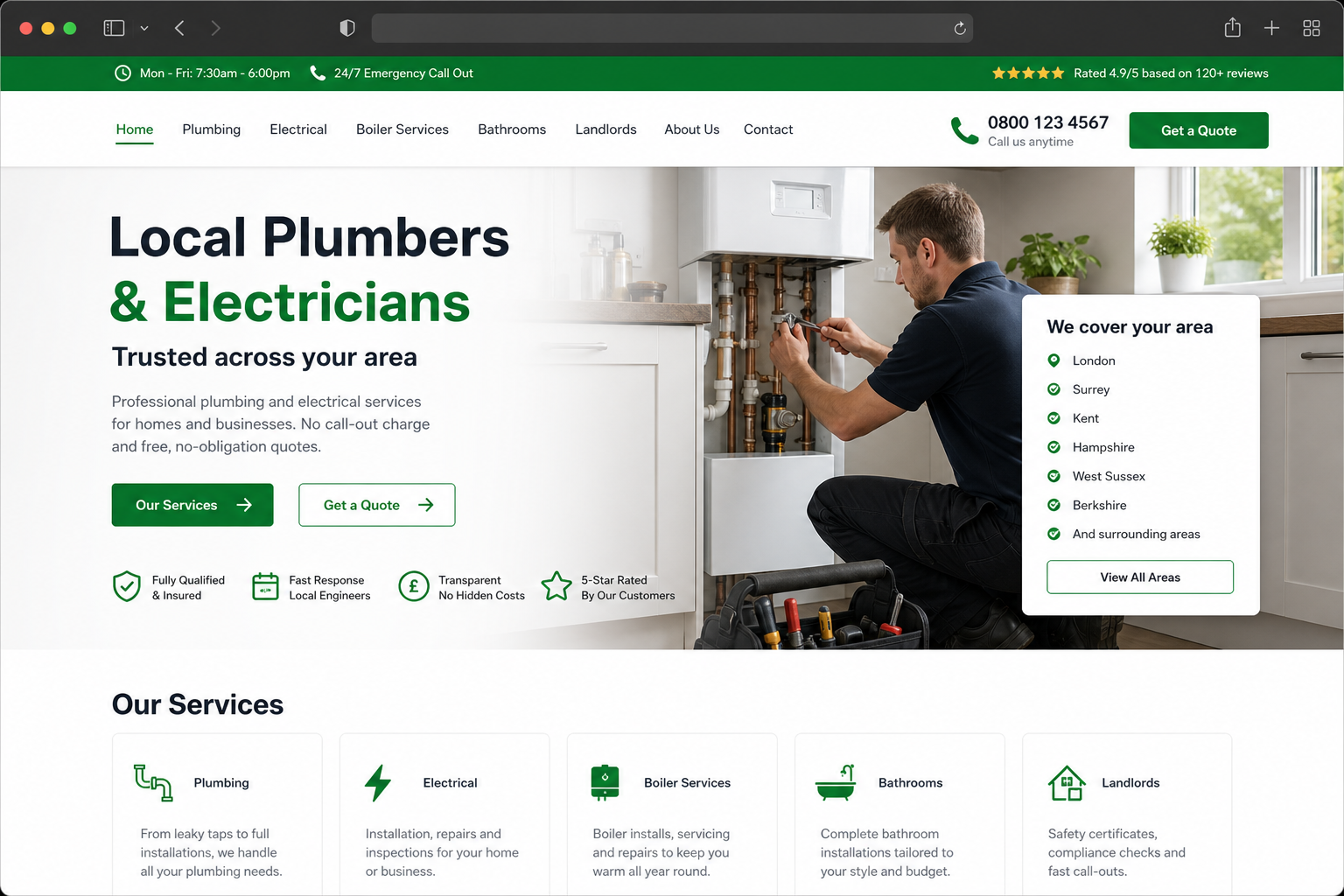
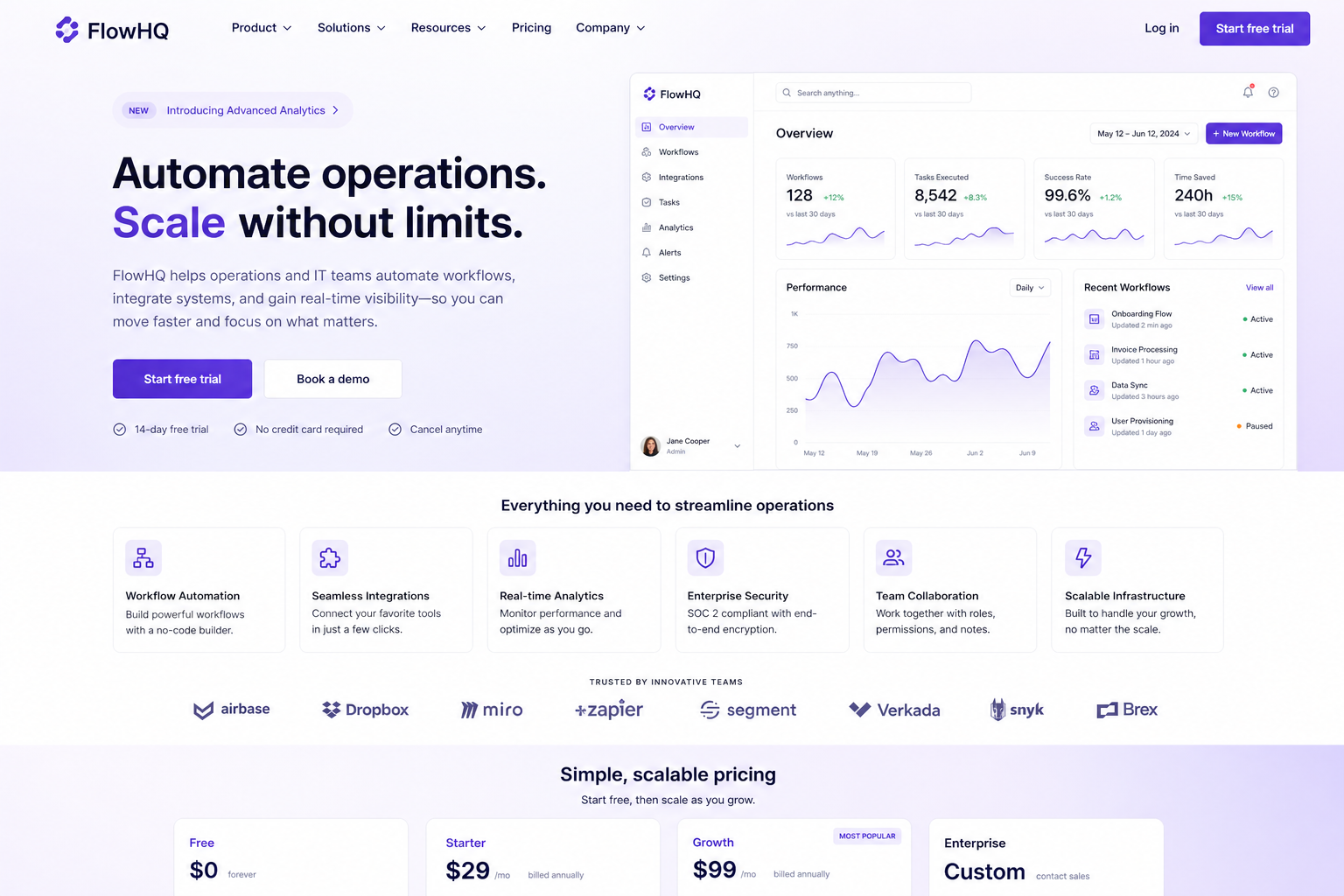
Trades & home services — emergency call-out, service grid, local trust signals
View WordPress design
Nano & Micro entry
Apps+OS from £5.33/mo — WordPress eligible
Small — 3 months free
Most popular starter — trial on new accounts
Scale plans
X-Large through 16X-Large for growth clients
Professional mailboxes
Webmail on your domain — monthly and annual plans
Uptime monitoring
External checks and alerts before customers notice
1/11
WordPress design
Custom WordPress builds on a 5-year hosting agreement
Trades & home services — emergency call-out, service grid, local trust signals
View WordPress design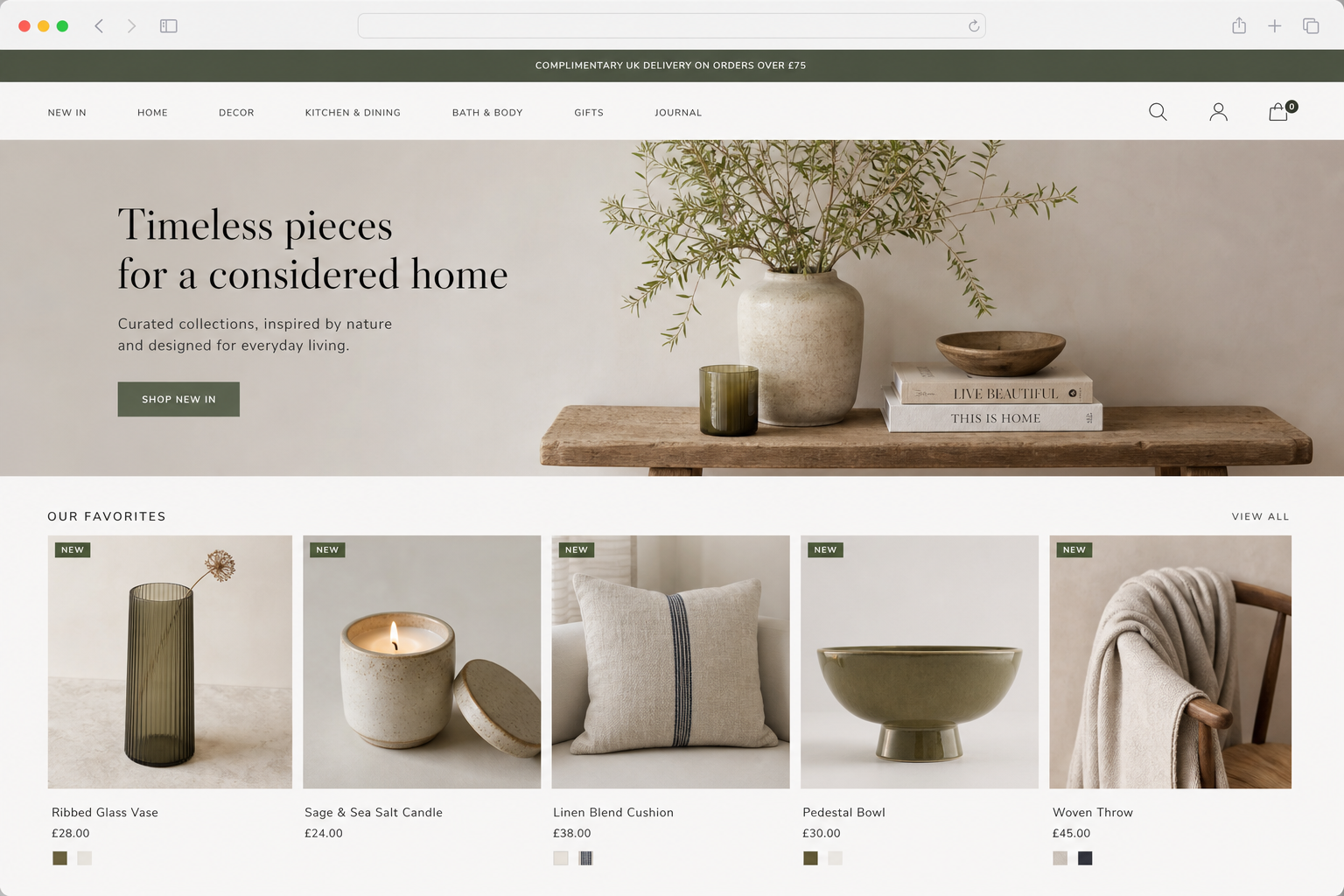

1/8
Custom development
Bespoke sites, apps, and integrations
Ecommerce retail — product discovery, merchandising, and checkout-ready layout
View Custom development
The redesign was signed off two months ago and it still is not live. The design is finished, the developer is ready, and everyone is waiting on the same thing: the words. The about page nobody has written, the service descriptions still sitting in a half finished document, the team photos that were always going to be taken next week.
It is the quiet killer of website projects. The design gets the attention and the deadline, while the content that fills it is treated as an afterthought, and then the whole thing grinds to a halt.
A design exists to present something. When the something is not ready, the designer is forced to guess at how much text each section holds, how long the headings run, how many services there are.
Build a beautiful layout around three crisp sentences, then try to pour in four dense paragraphs later, and it breaks. The reverse is just as bad. Content first is not a slogan, it is the order that stops expensive rework, because the design can be shaped around what you actually have to say rather than a placeholder that turns out to be wrong. Google's guidance on designing for the web assumes real content for exactly this reason.
Before writing a single new word, take stock of the words you already own. Most businesses have more usable content than they think, scattered across an ageing site.
Go through every existing page and sort it honestly into three piles: keep, rewrite, and bin. Keep the pages that still earn their place, especially anything that brings in search traffic or that customers clearly read before buying. Mark for rewriting the content that is right in substance but tired in tone. Be ruthless with the rest, because carrying dead pages into a new site just spreads the same clutter into a nicer wrapper.
This audit also tells you the real size of the writing job, which is the number every project plan secretly needs.
Here is where most business websites go wrong. The words are written to satisfy the people inside the company rather than to help the person actually reading.
Visitors arrive with a question and a limited supply of patience. They want to know what you do, whether you can solve their problem, and what to do next. They do not want a paragraph about your corporate journey before they can find a price. Lead with what matters to them, write in plain language, and cut the jargon that impresses colleagues but baffles customers.
The UK government learned this lesson at scale, and its guidance on writing for the web is a genuinely useful read for any business, with the wider GDS service manual on design backing it up. Clear, scannable writing is not dumbing down. It is respect for the reader's time.
Words are only half of content. The images you choose, and the proof you offer, do as much to convince a visitor as anything you write.
Original photography of your premises, your team and your actual work beats stock imagery almost every time, because it tells the visitor you are real. Proof matters just as much: genuine testimonials, recognisable client names, a case study with an actual outcome. Plan these alongside the words rather than scrambling for them at the end.
Do think about how images behave technically too, since heavy photos slow a site down. Following the MDN guidance on responsive images and Google's advice on optimising images keeps your proof looking sharp without dragging the page to a crawl, and every meaningful image still needs descriptive alt text as the MDN images tutorial explains.
Content stalls projects because it has no owner and no deadline. A light schedule fixes both without turning into a bureaucratic chore.
List every page the new site needs. Against each one, name who is writing it, who is supplying the images, and the date it is due, set comfortably before the build needs it. Tackle the pages that drive enquiries first, since those are the ones that earn their keep, and leave the rarely visited corners until last.
If writing it all feels daunting, that is normal, and it is worth saying out loud at the start of a project rather than discovering it halfway through. A platform like WordPress makes it easy to keep adding and refining content after launch, so the site does not have to be perfect on day one. If you would like help planning the content side of a redesign before it stalls, get in touch and we can map it out with you. Sort the content first, and the design has something true to wrap around.

Web Design
Everyone wants a date in the diary before they sign. The honest timeline depends on a few things that are mostly in your hands.

Web Design
Your dev team keeps mentioning tokens and you keep nodding. Here is what they mean, and why they quietly save you money.

Web Design
Quotes for the same website can swing from a few hundred pounds to five figures. Here is what actually sits behind those numbers.



Comments